Oracle JDE Cloud Trial Edition Install
Summary
Section titled “Summary”Oracle Cloud JD Edwards EnterpriseOne Trial Edition provides the capability to test JDE in a real working environment consisting of a JDE Web, Orchestration and Enterprise Servers. This will allow you to run JDE interactive applications, reports, and orchestrations.
References
Section titled “References”“Oracle” - Oracle : Oracle Cloud - Oracle Learning Library : Deploying JD Edwards EnterpriseOne Trial Edition on Oracle Cloud Infrastructure
Prerequisites
Section titled “Prerequisites”- Oracle Cloud account (free tier accepted)
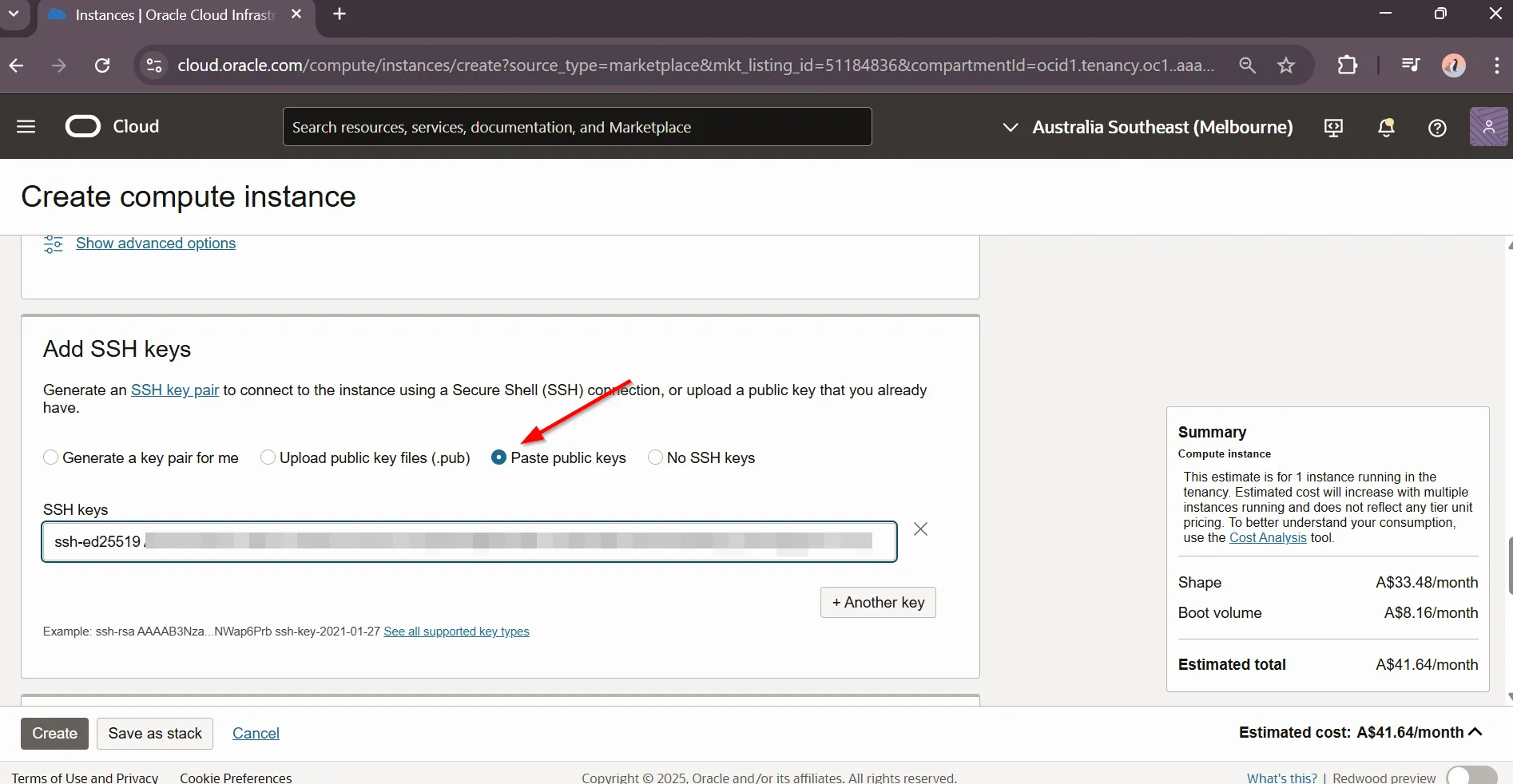
- SSH keys (can be created during VM provisioning)
Launch JD Edwards EnterpriseOne Trial Edition
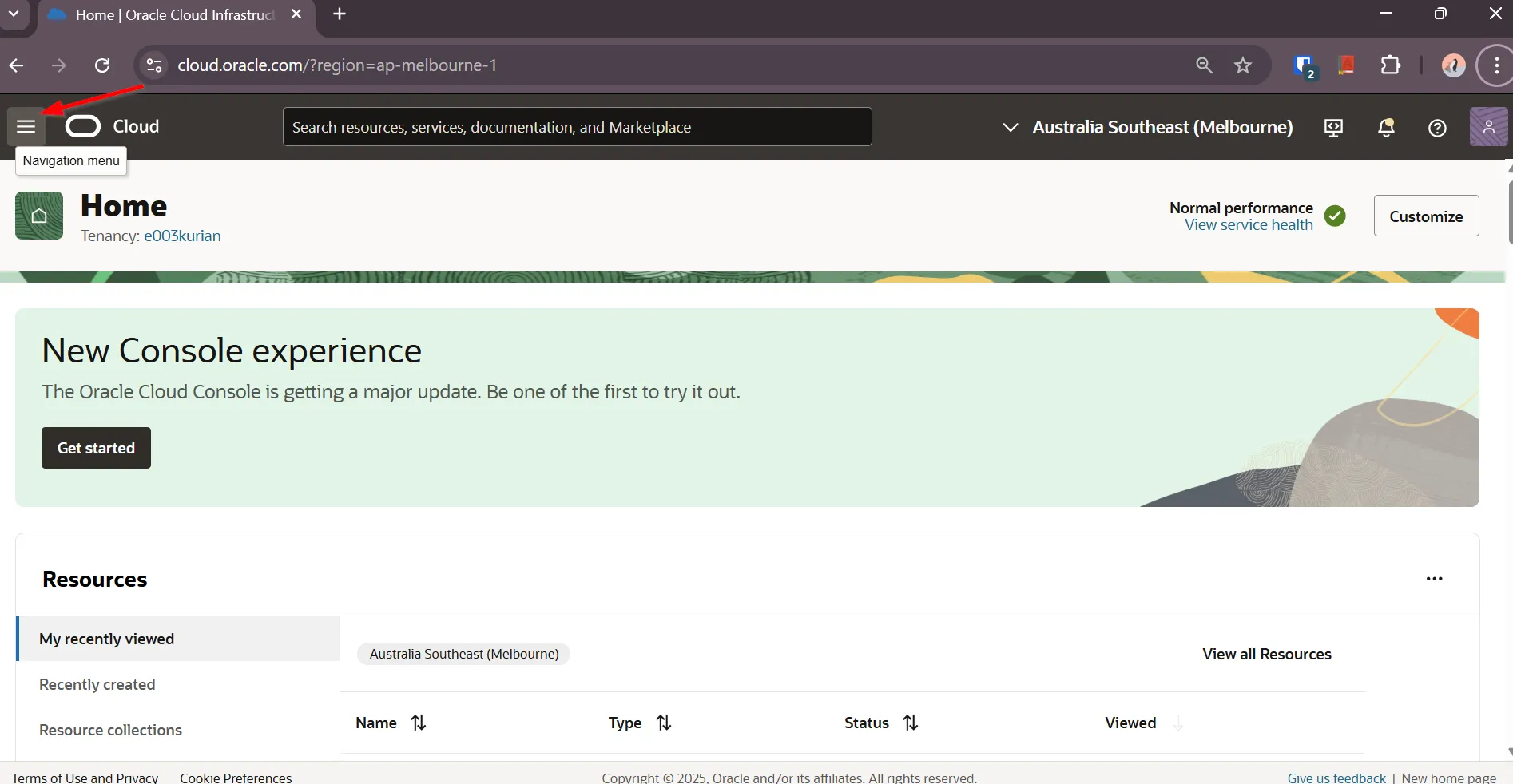
Section titled “Launch JD Edwards EnterpriseOne Trial Edition”“Locate Oracle Cloud Marketplace”
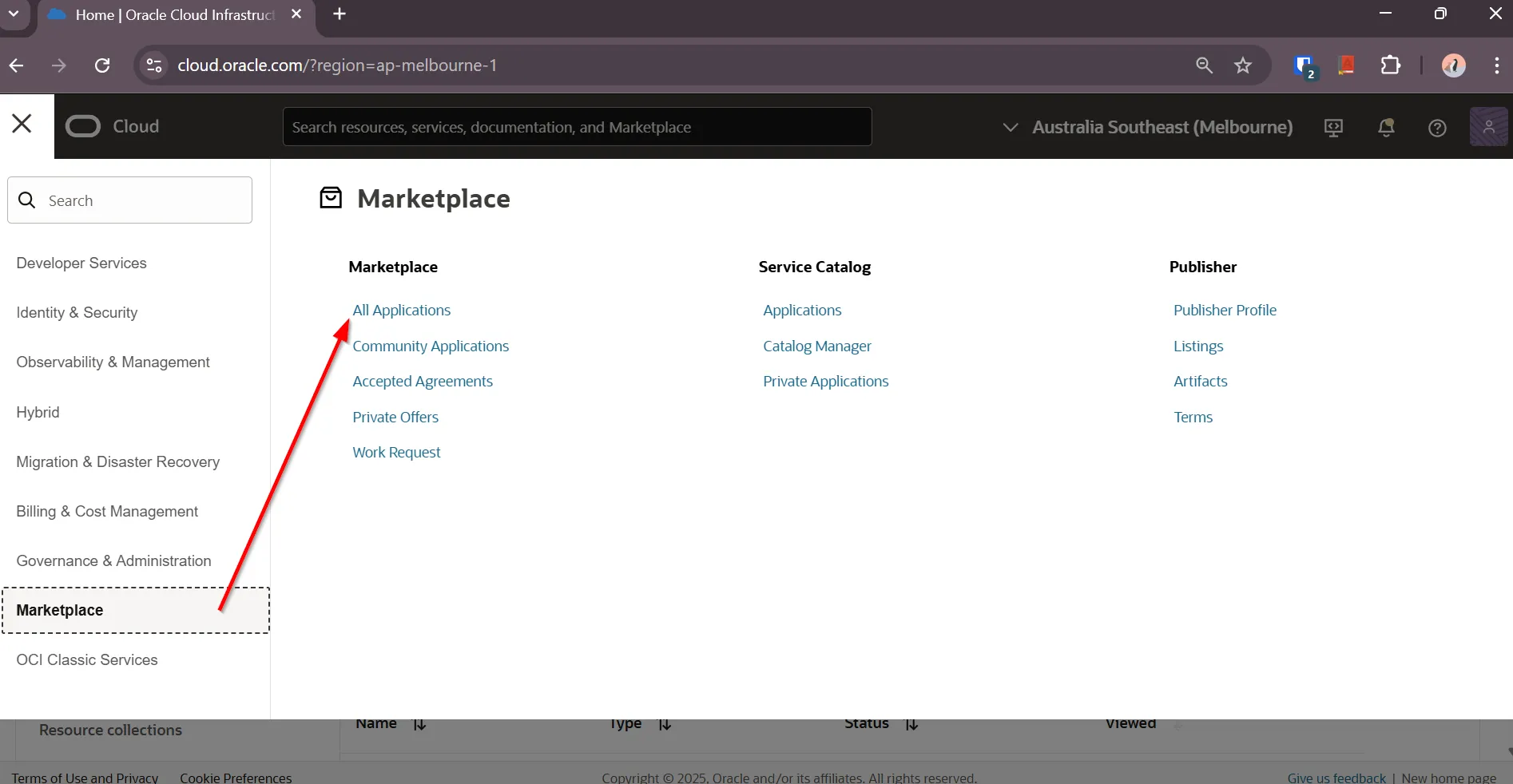
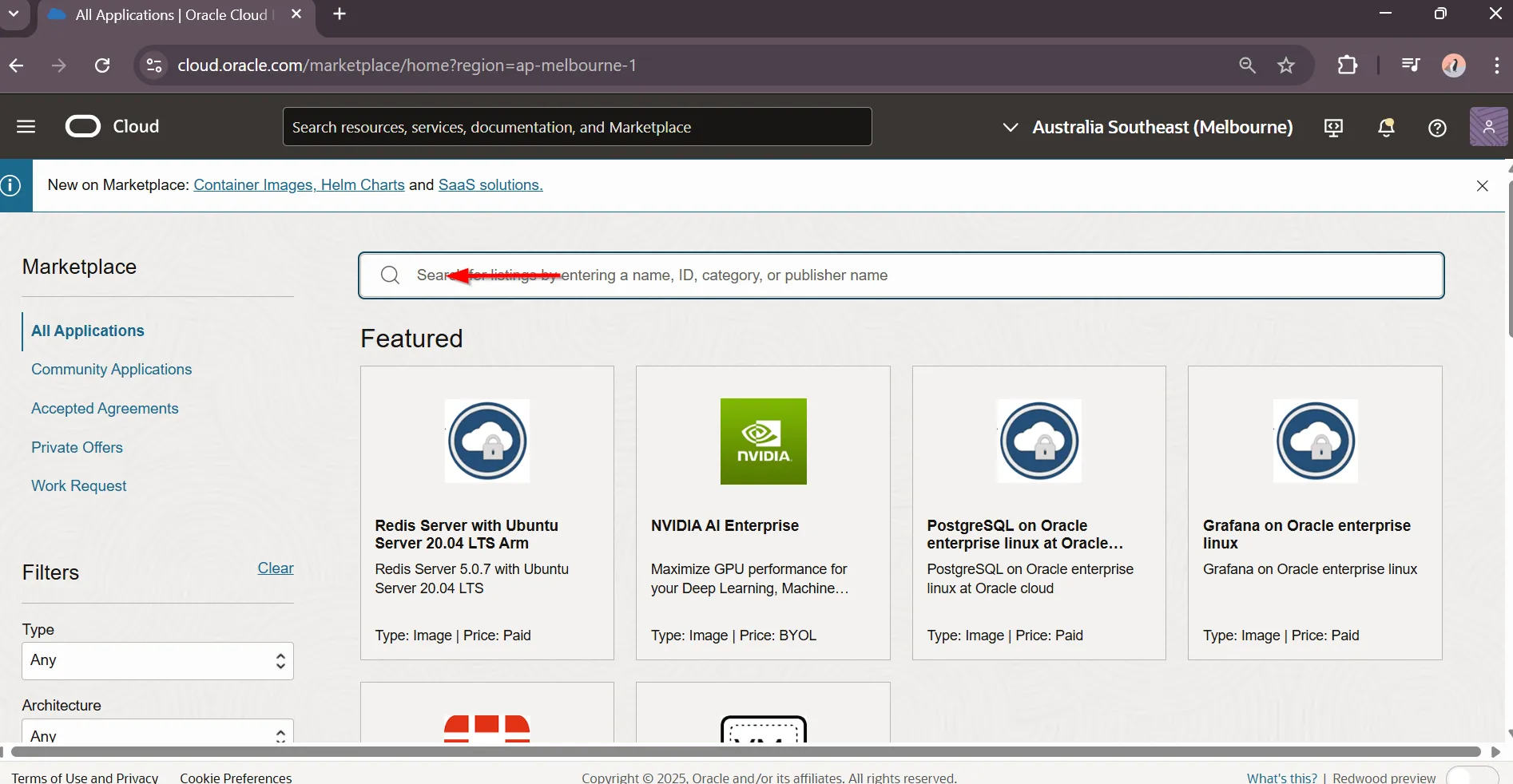
“Select All Applications”
“Search “jd edwards""
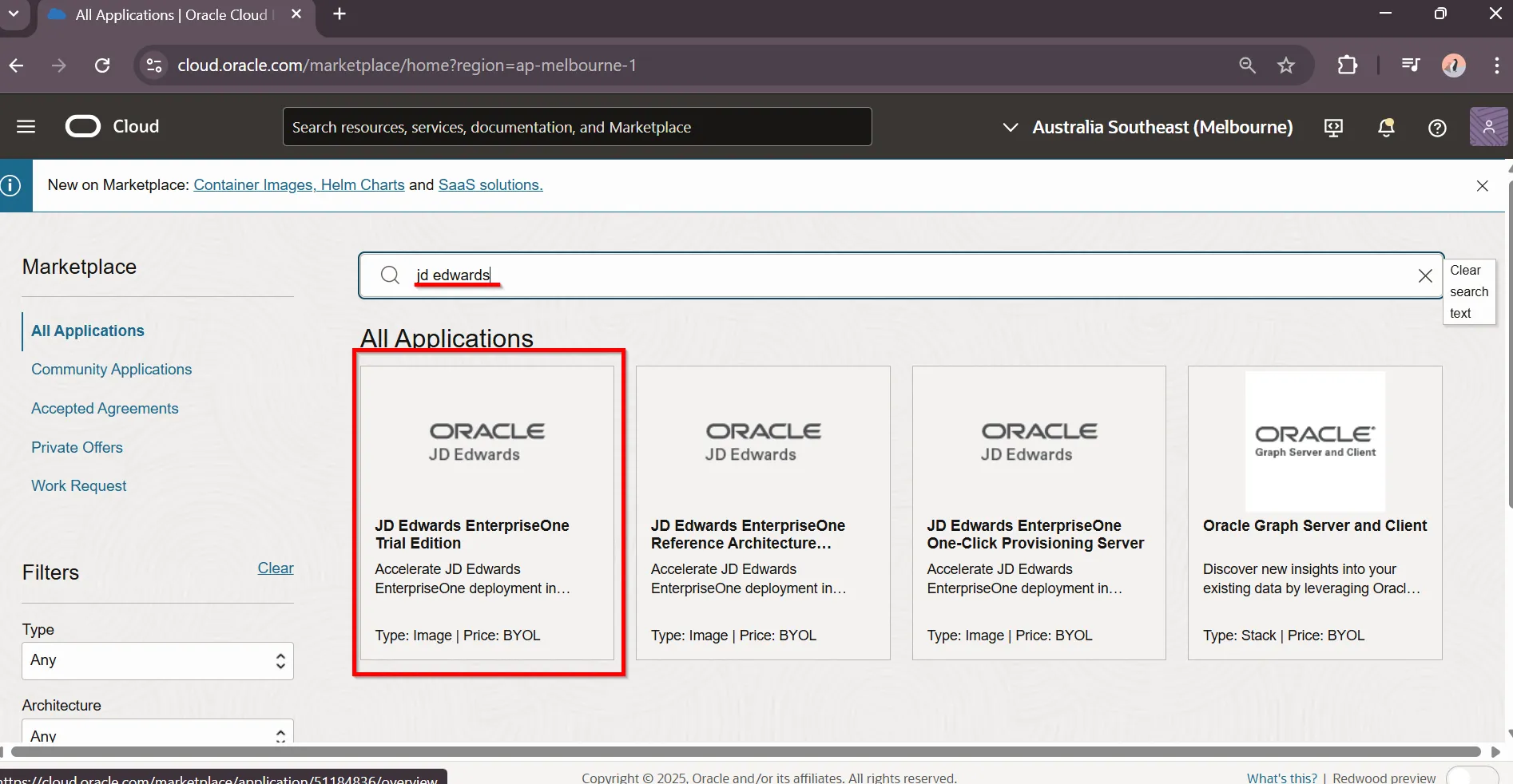
“Select JDE Edwards EnterpriseOne Trial Edition”
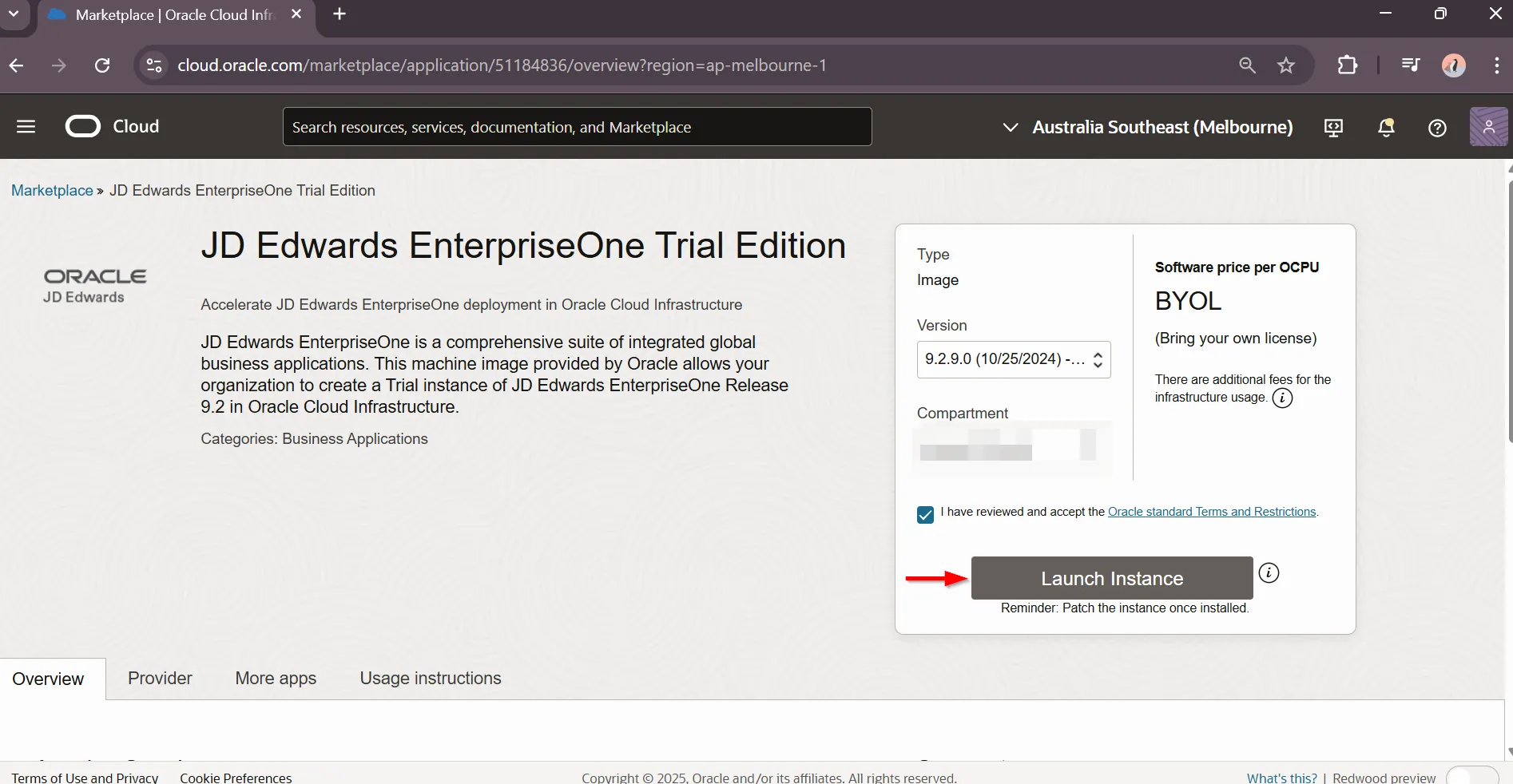
“Launch VM Instance”
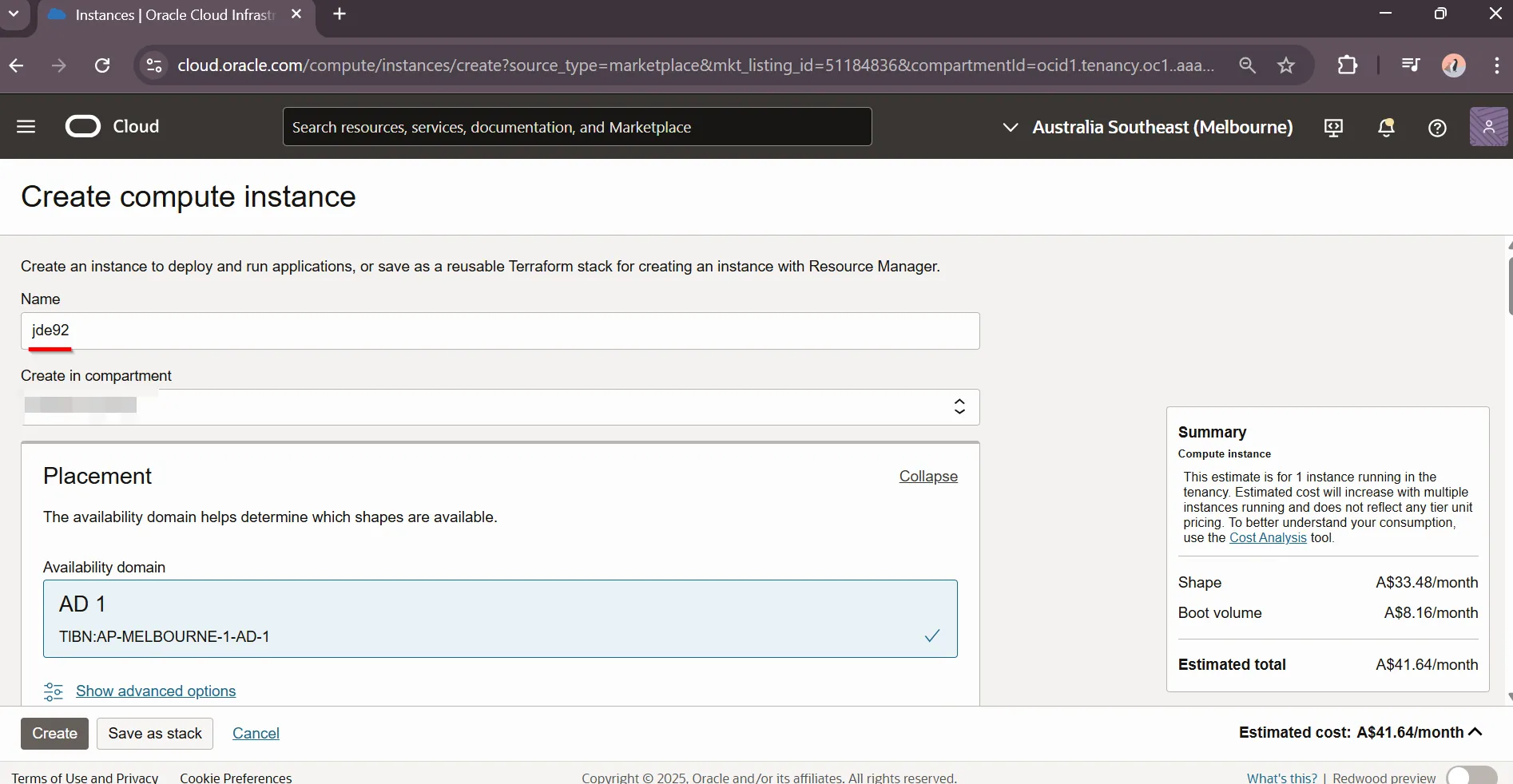
“Set VM Instance name”
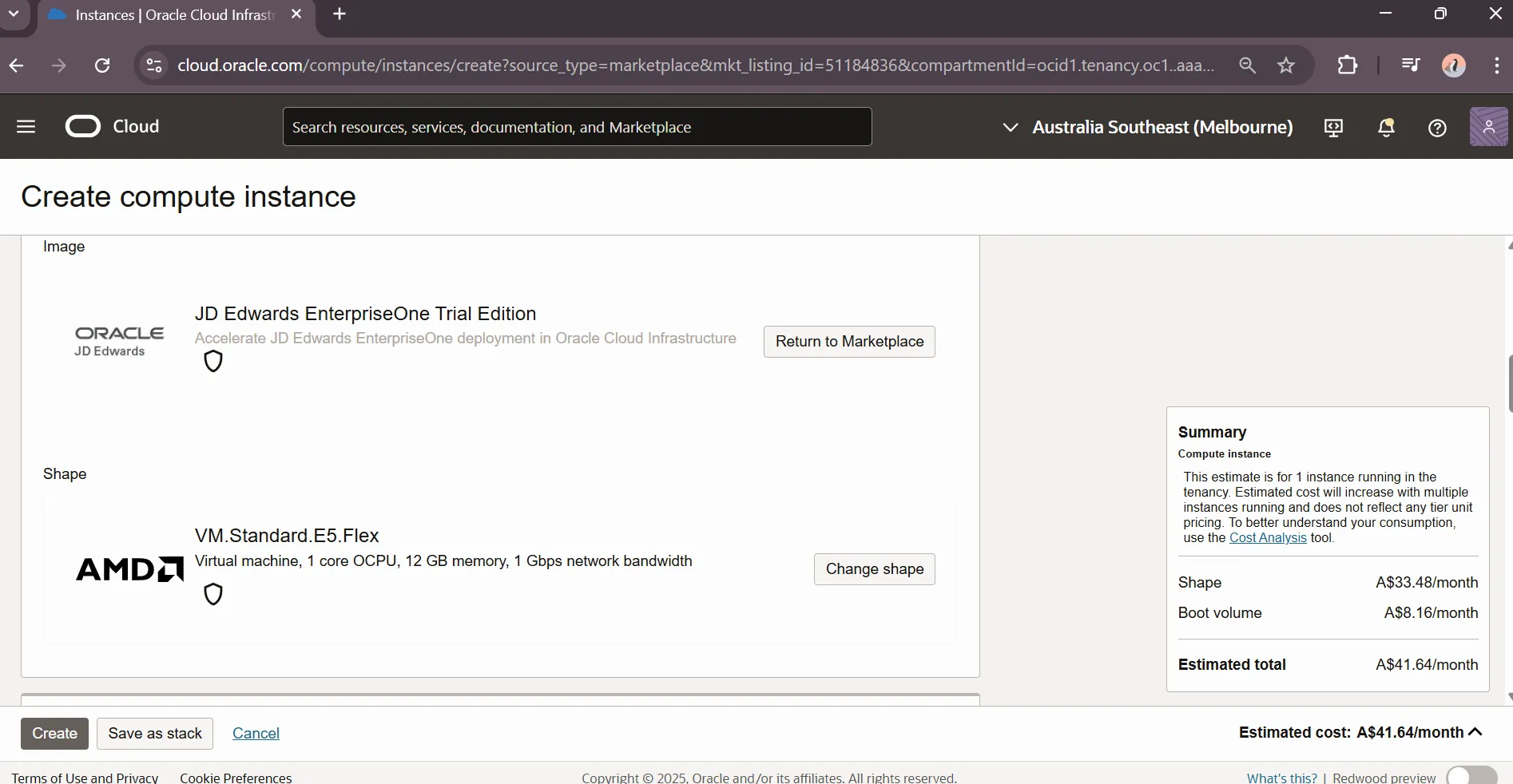
“Review default VM Instance Configuration”
“Set ssh key”
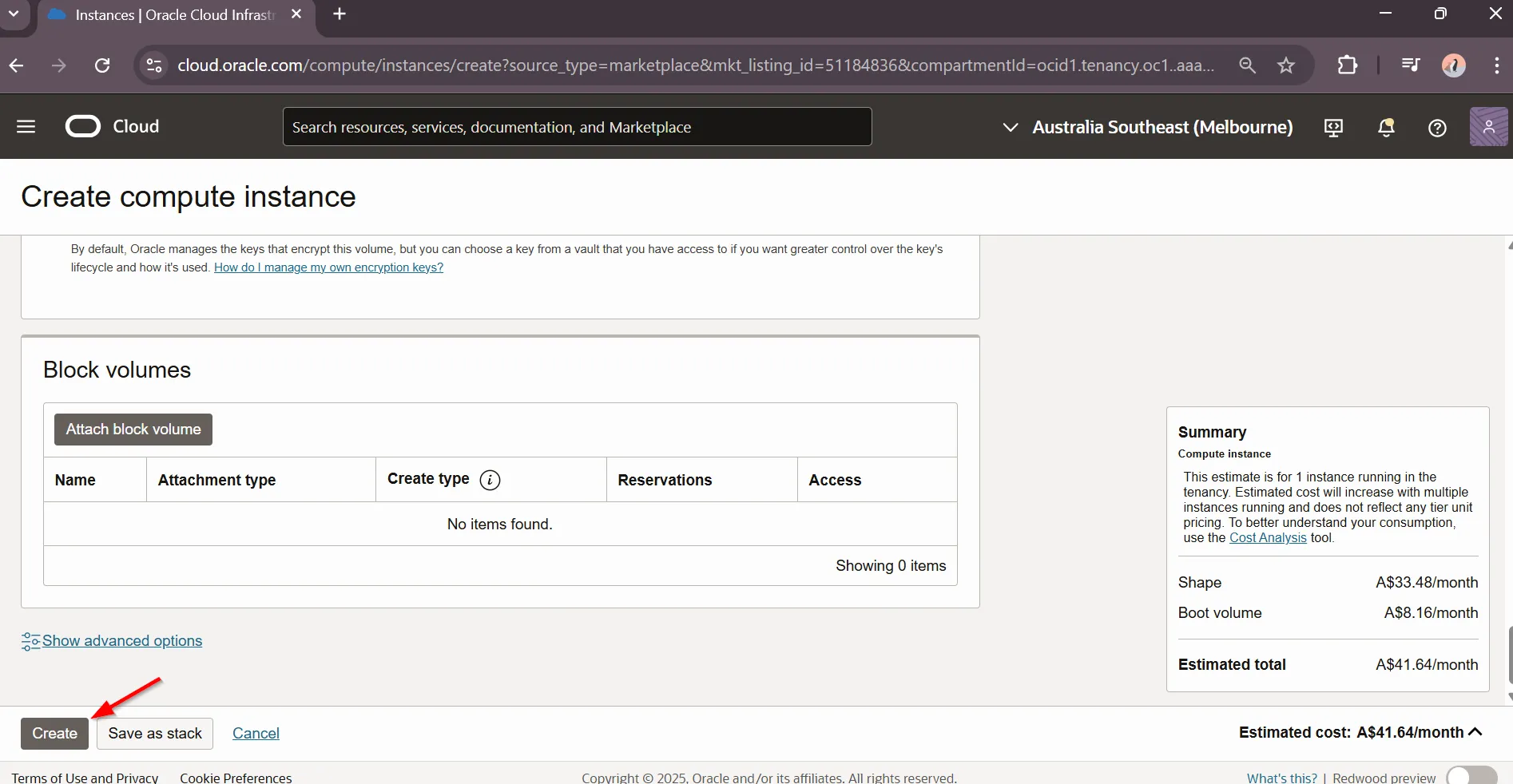
“Create VM Instance”
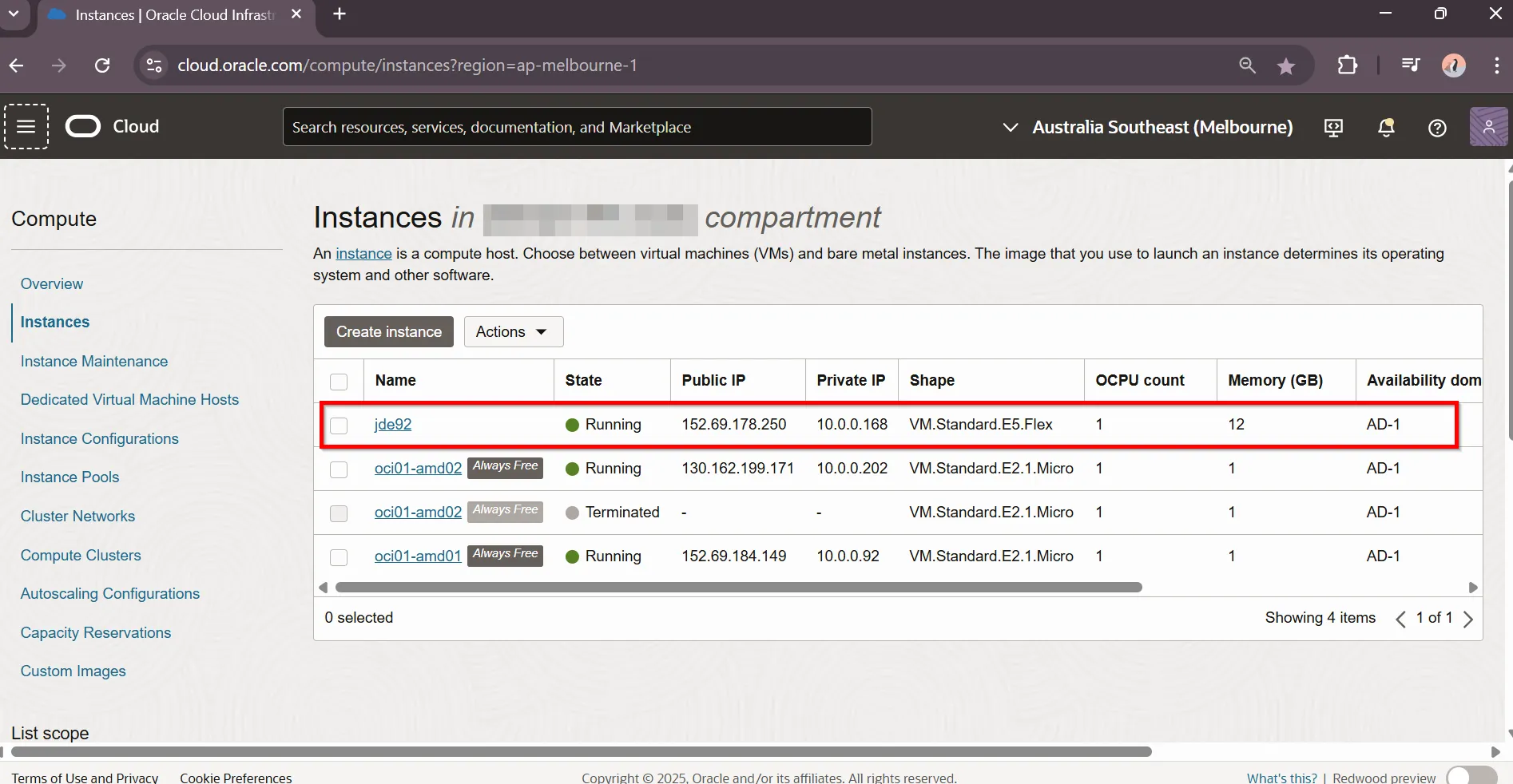
“VM Instance is Running”
First-Time Configuration
Section titled “First-Time Configuration”Connect to VM Instance. Use public ip address from the newly created VM
$ ssh -i ~/.ssh/id_ed25519_serge opc@152.69.178.250Automated Update Process Started. System invokes automated update script, wait until finished. System will reboot / disconnect automatically.
The keyboard will be DISABLED while yum update is running.The server will reboot after yum update has completed.
Complete!
Yum update is complete.  System will reboot now
Connection to 152.69.178.250 closed by remote host.Connection to 152.69.178.250 closed.
Connect to VM Instance.
$ ssh -i ~/.ssh/id_ed25519_serge opc@152.69.178.250System prompts for web server port and passwords. Accept default port and provide appropriate passwords.
=======================================Trial Edition Configuration=======================================Server name (hostname): jde92HTML Port [8080]:------------------Database System Password: ********JDE User Password: ********Weblogic Admin Password: ********=====================Configure Trial Edition? [Y]es or [N]o: YAutomated Configuration Process Completed. Review Server URLs
=================================================BACKGROUND CONFIGURATION PROCESSES HAVE COMPLETED=================================================
The url for EnterpriseOne is:        https://152.69.178.250:8080/jde/owhtml
The url for Server Manager is:        https://152.69.178.250:8998/manage
The url for Studio is:        https://152.69.178.250:7077/studio
Completed Trial Edition Configuration           Run Time: 12:06
JDE Servers are ready
Section titled “JDE Servers are ready”Review JDE URLs invoking jde-url script
$ jde-urlScript Output
The url for EnterpriseOne is:        https://152.69.178.250:8080/jde/owhtml
The url for Server Manager is:        https://152.69.178.250:8998/manage
The url for Studio is:        https://152.69.178.250:7077/studio
Get JDE Servers status invoking jde-status script
$ jde-status
TRIAL EDITION SERVER STATUSORACLE DATABASE STATUSStatus:  listener is UPStatus:  database is UPENTERPRISE ONE STATUSStatus:  jdenet_n processes are UPStatus:  jdenet_k processes are UPHTML DOMAIN STATUSStatus nodemanager     : Server is Running         ( PID#: 59149   |  Port#: 5556   |  Port Status: UP   )Status jdeAdminServer  : Server is Running         ( PID#: 59497   |  Port#: 7005   |  Port Status: UP   )Status html_server     : Server is Running         ( PID#: 60148   |  Port#: 8080   |  Port Status: UP   )Status ais_server      : Server is Running         ( PID#: 60588   |  Port#: 7077   |  Port Status: UP   )BIP DOMAIN STATUSStatus nodemanager     : Server is Running         ( PID#: 59369   |  Port#: 9556   |  Port Status: UP   )Status AdminServer     : Server is Running         ( PID#: 59653   |  Port#: 9703   |  Port Status: UP   )Status bi_server1      : Server is Running         ( PID#: 61068   |  Port#: 9705   |  Port Status: UP   )SMC DOMAIN STATUSStatus nodemanager                                 : Server is Running         ( PID#: 55640   |  Port#: 5559   |  Port Status: UP   )Status smcAdminServer                              : Server is Running         ( PID#: 56113   |  Port#: 9002   |  Port Status: UP   )Status SMC_Server_EOne_ManagementConsole1_Console  : Server is Running         ( PID#: 56582   |  Port#: 8998   |  Port Status: UP   )SMC AGENT STATUSEnterpriseOne Server Agent:  Agent is RunningHTML & AIS Server Agent:     Agent is Running
Stop JDE Servers before restarting the OS, and start them again after rebooting:
$ jde-stopScript Output
Stopping Trial Edition Services in ParallelStopping the Trial Edition Enterprise ServerStopping the Trial Edition Database ServerStopping the Trial Edition HTML ServerStopping the Trial Edition SMC ServerStopping the Trial Edition BIP ServerAll Processes Have Been Shutdown. Run Time: 05:18Reboot VM
$ reboot nowReconnect to VM and Start JDE Servers
$ jde-startReview JDE Servers
Section titled “Review JDE Servers”JDE Web Server
Section titled “JDE Web Server”Navigate to appropriate URL to review JDE Web Server
“Web Server” https://jde.jde2.jdedev.cloud/jde/E1Menu.maf
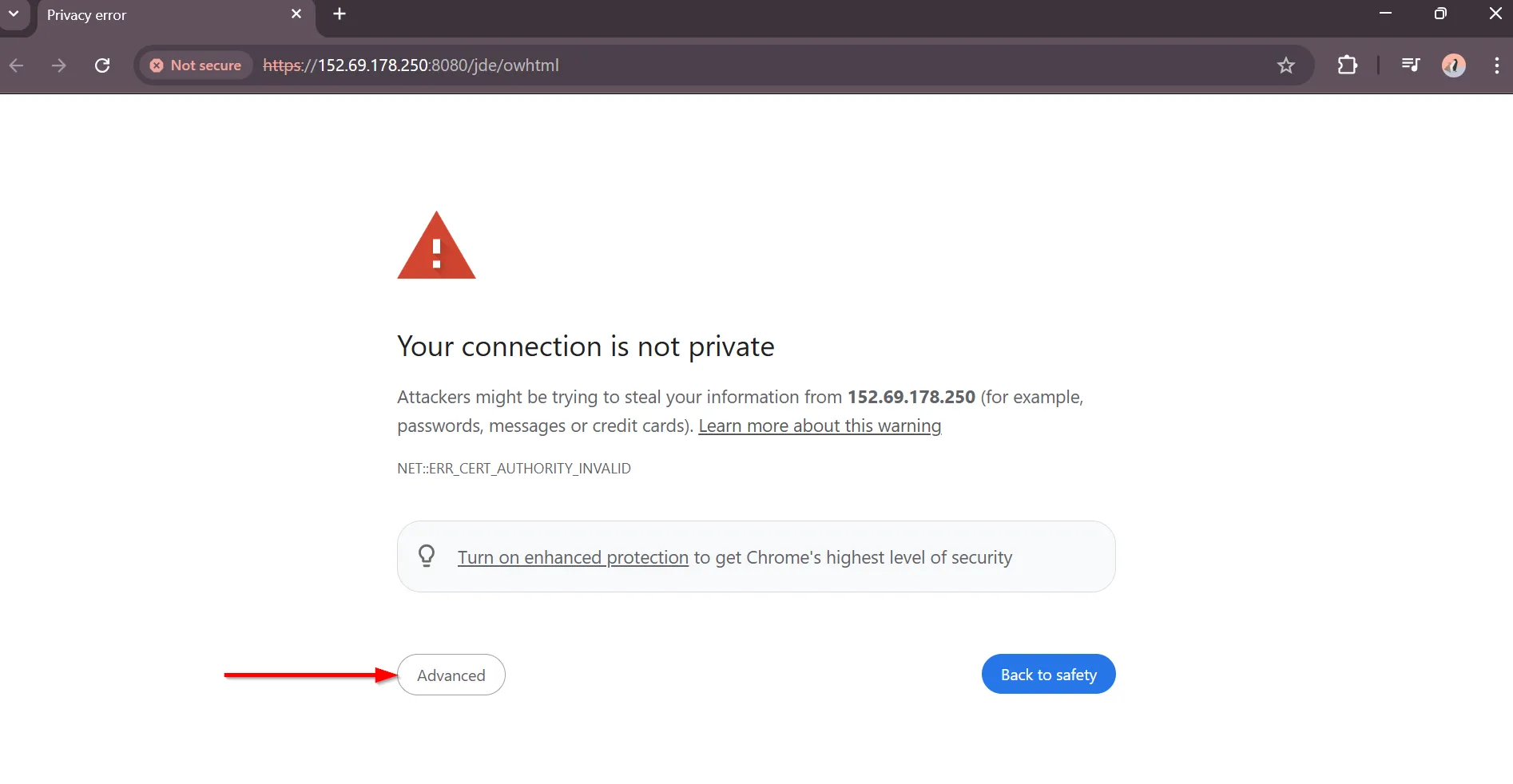
“Ignore privacy error and Navigate to URL”
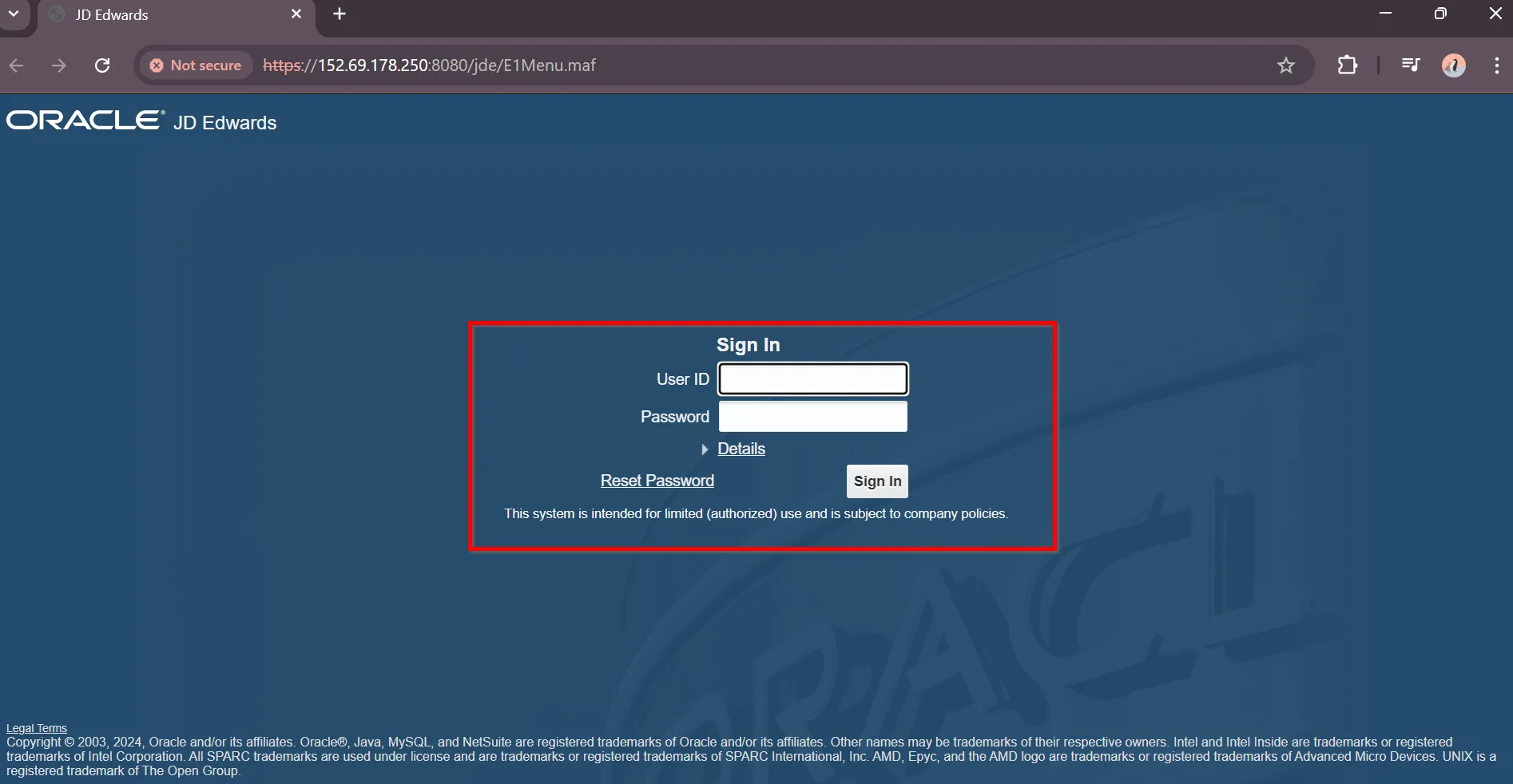
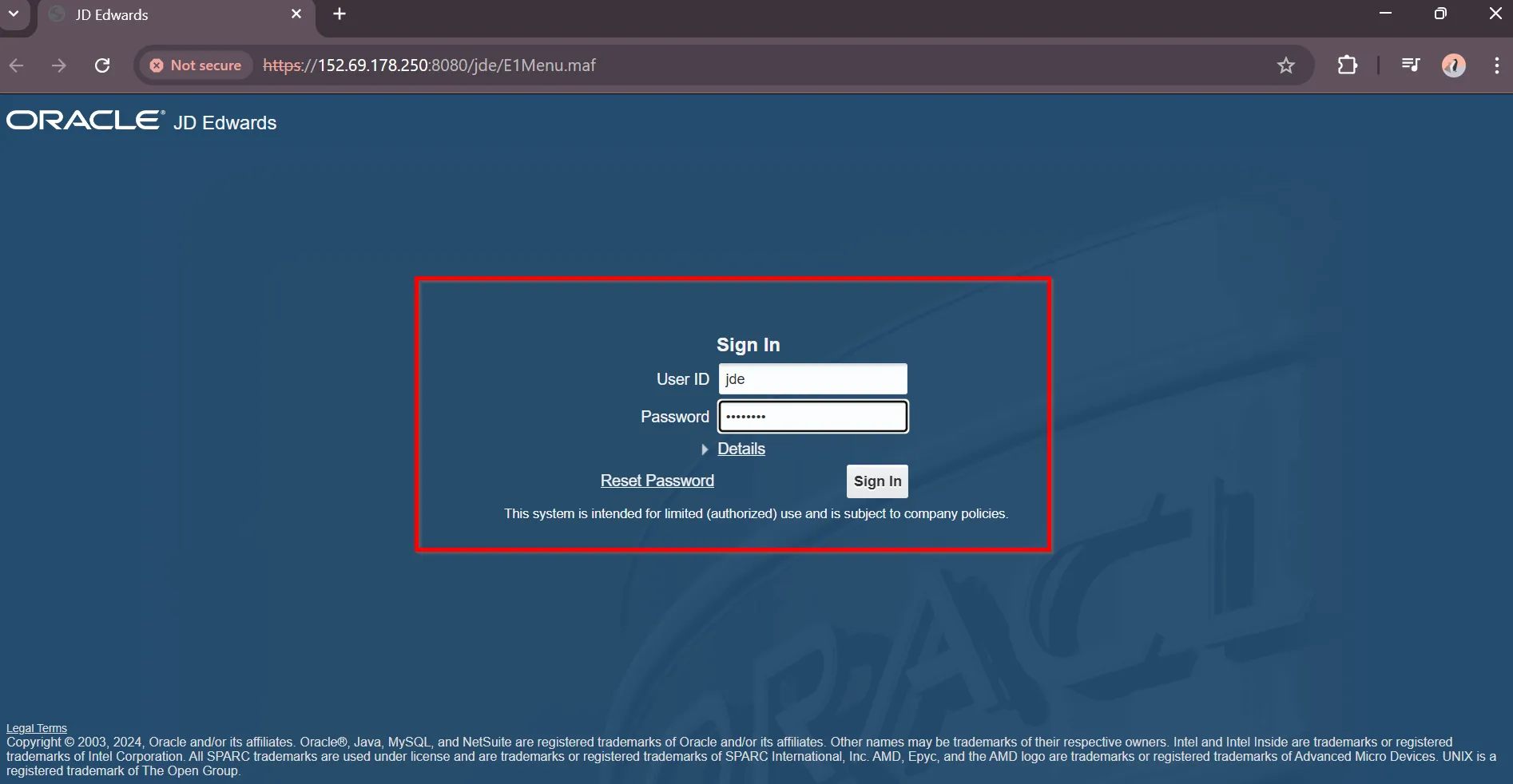
“Enter JDE credentials”
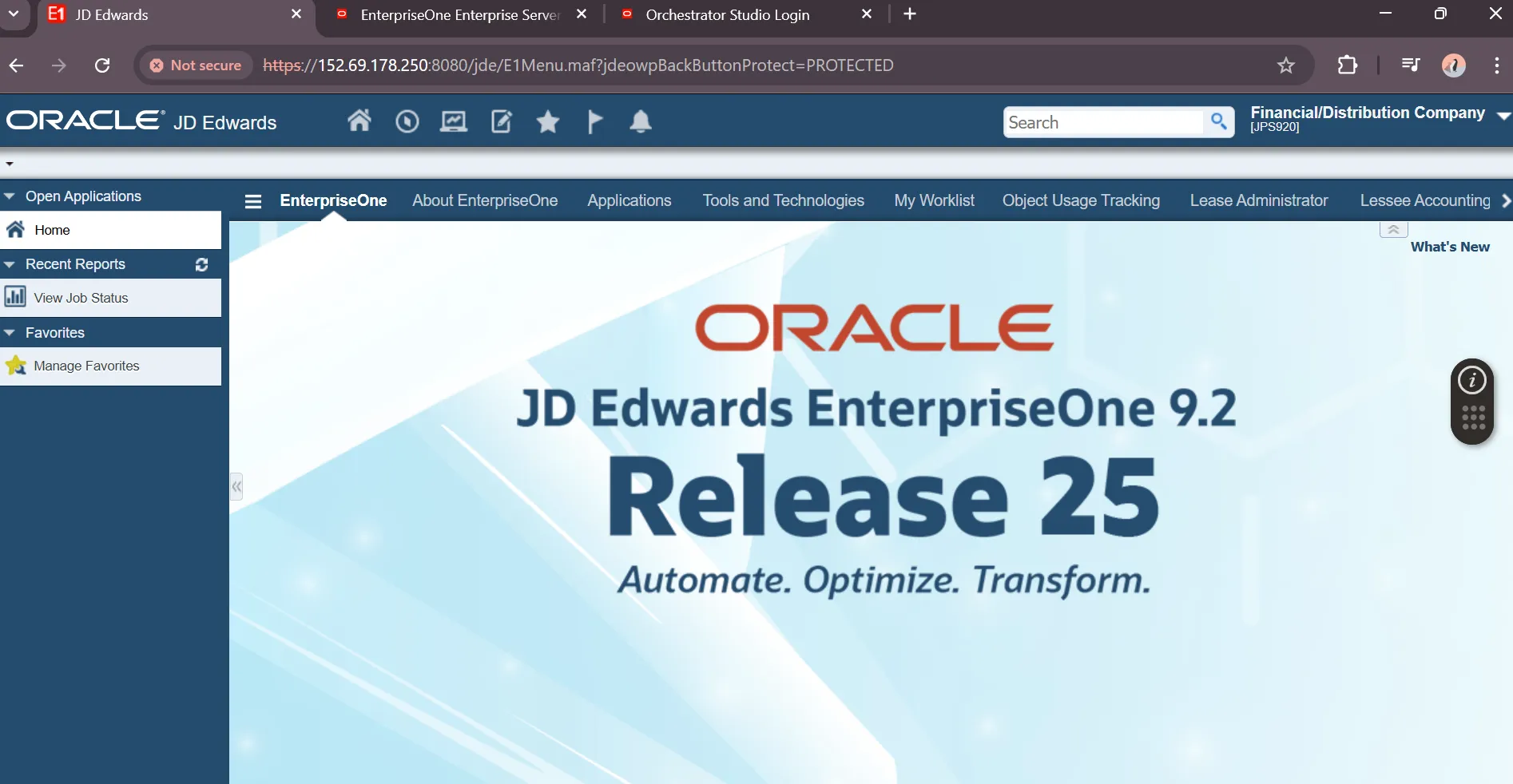
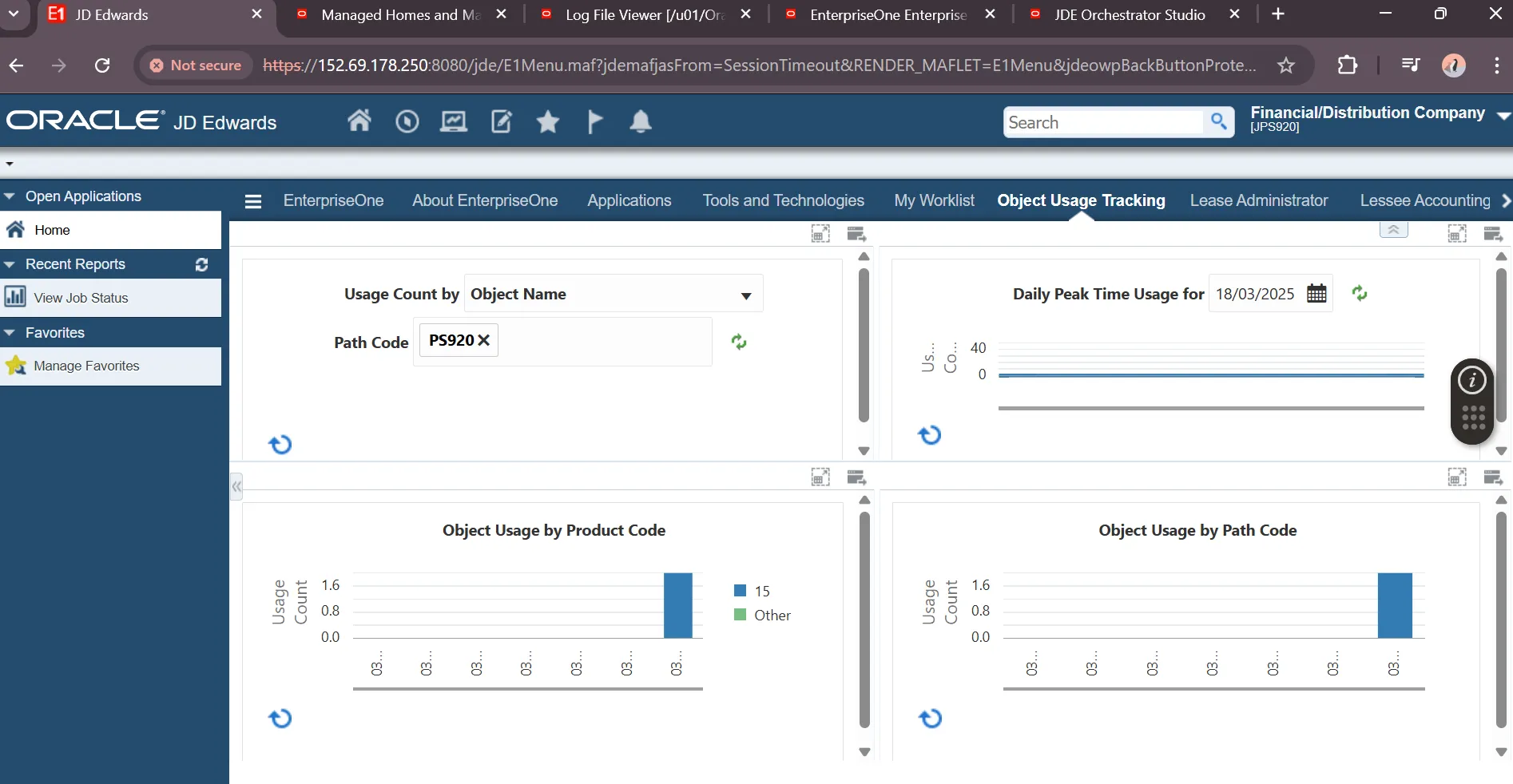
“JDE Homepage”
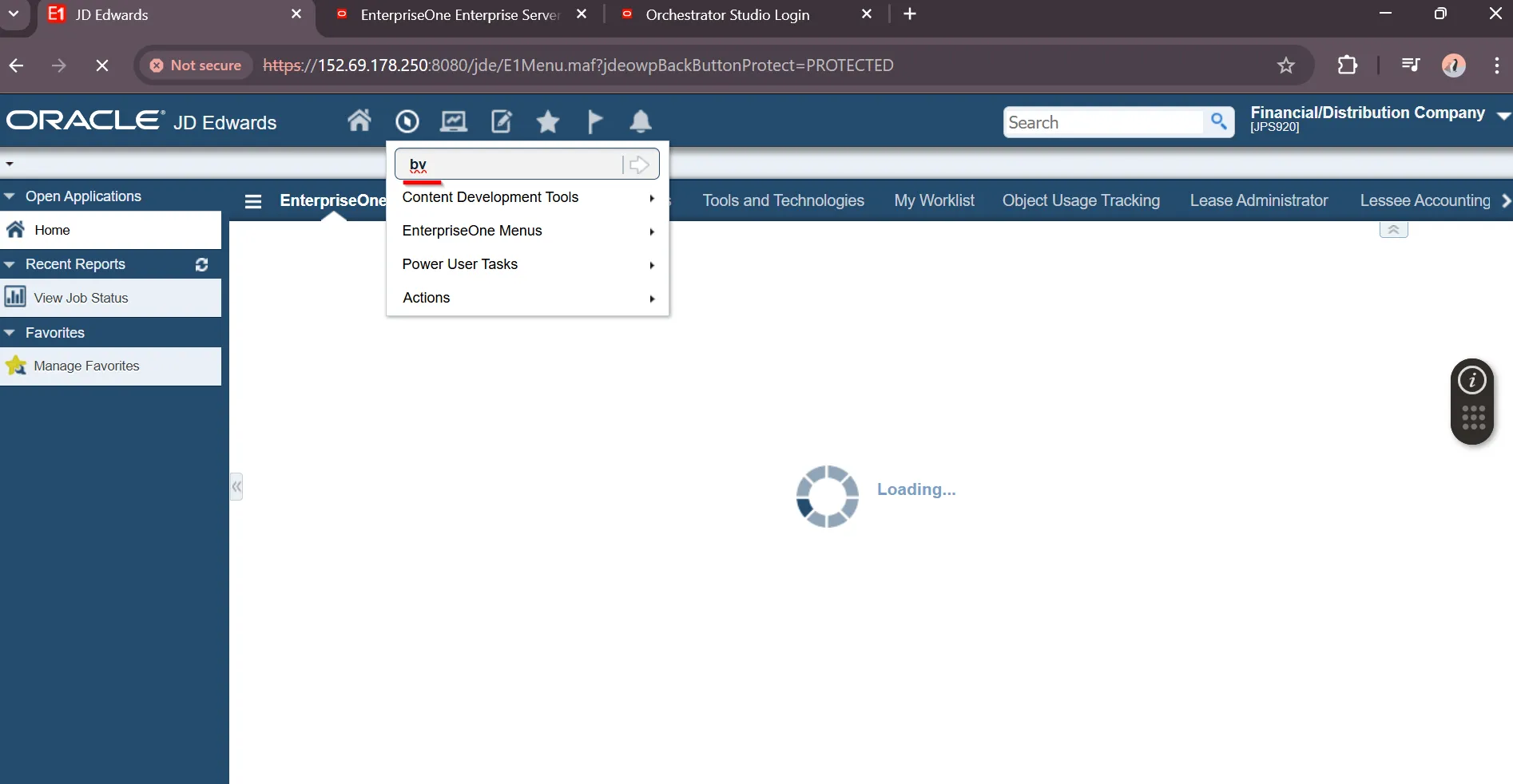
“Start Batch Versions from Fast Path”
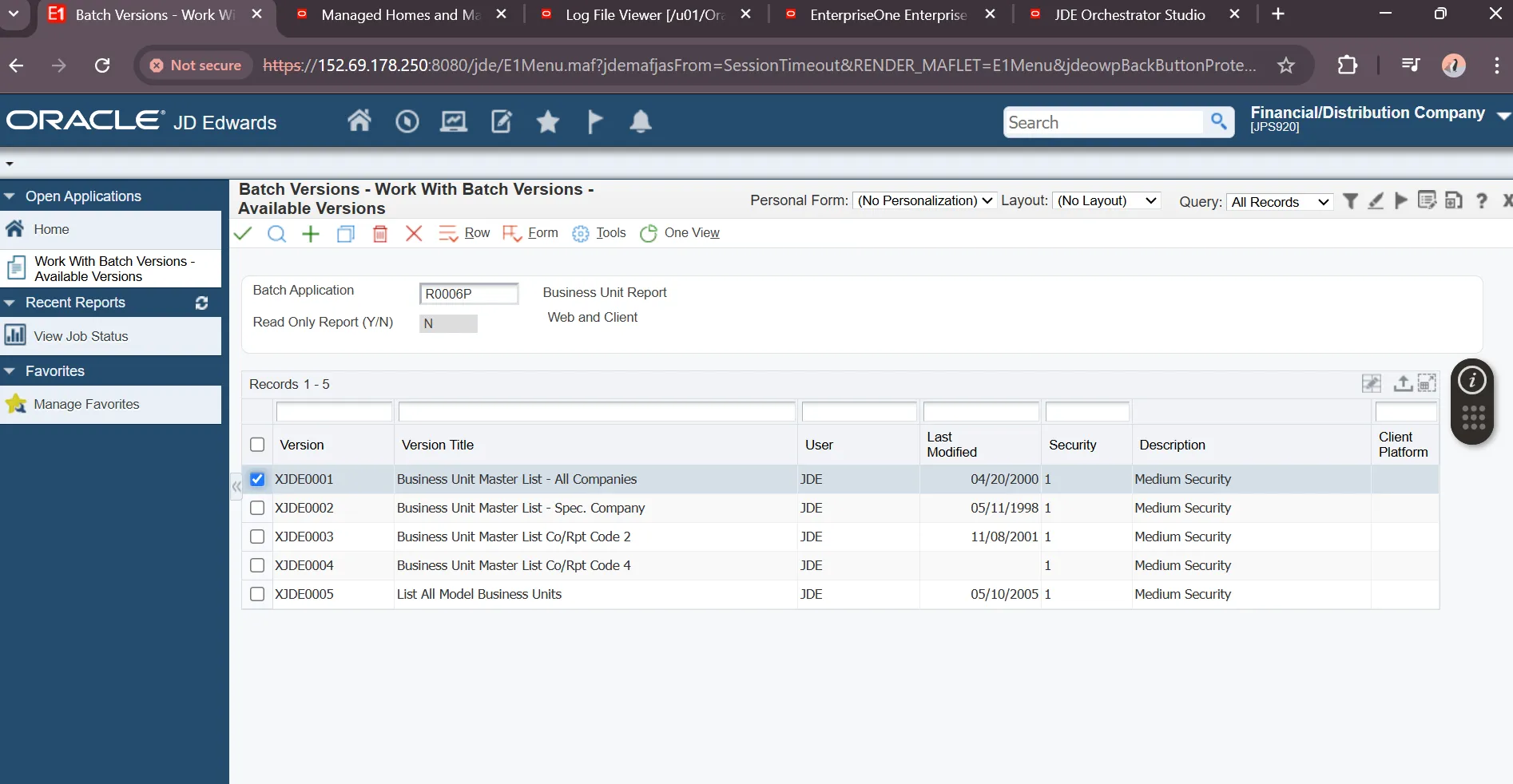
“Select and submit Report Version”
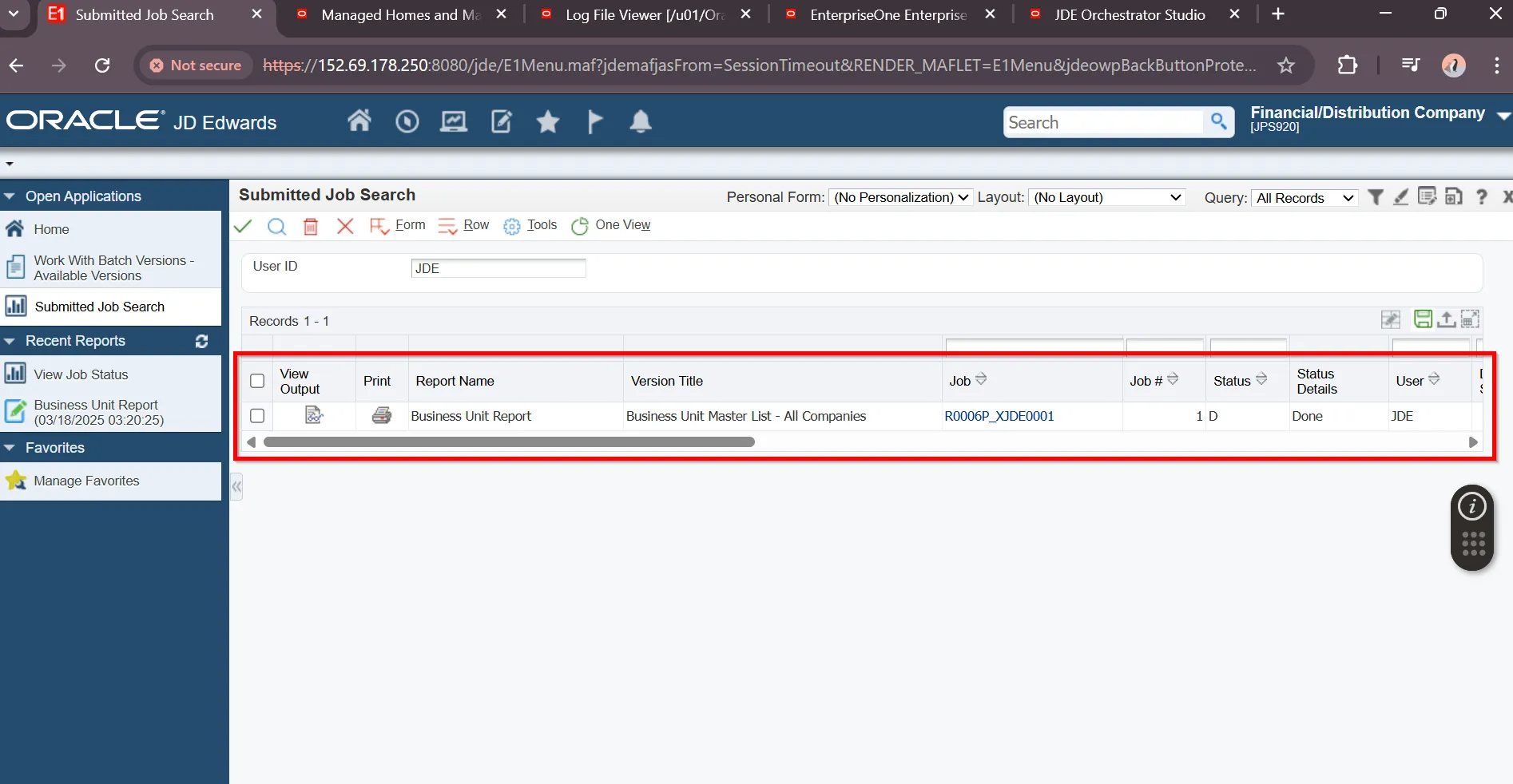
“Review Submitted Jobs”
“Open Business Unit Report”
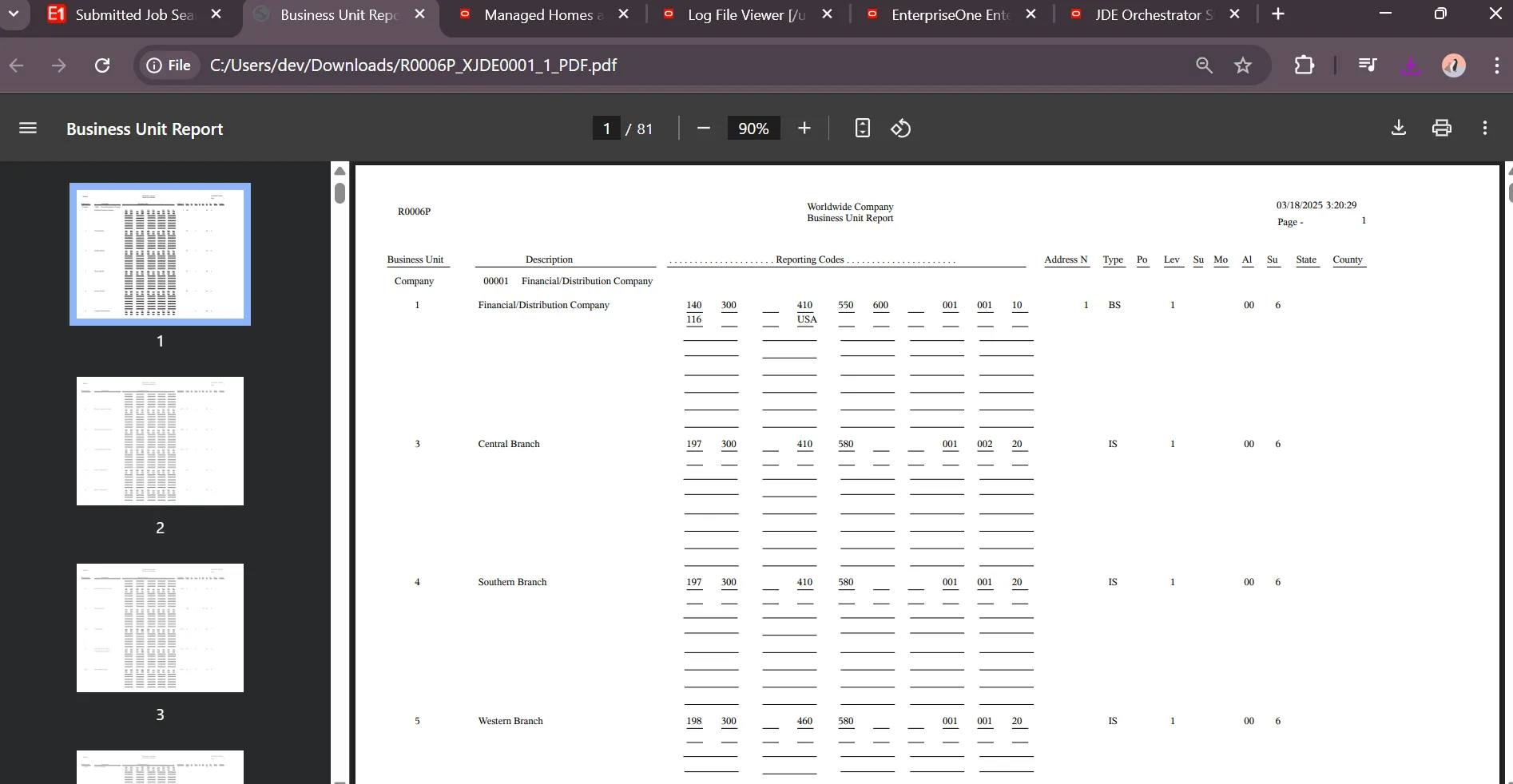
“Start Address Book Interactive Application from Fast Path”
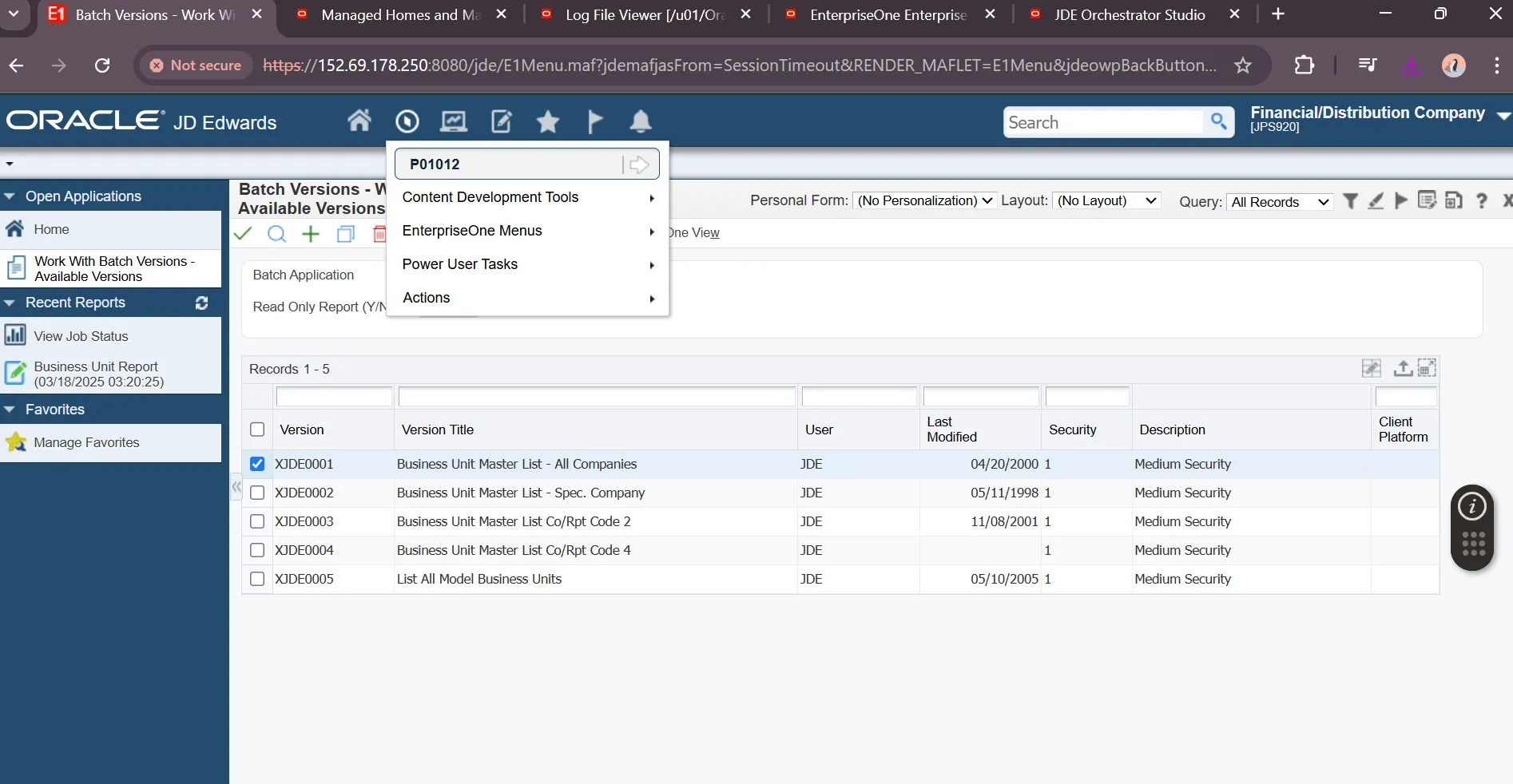
“Select Address Book Record”
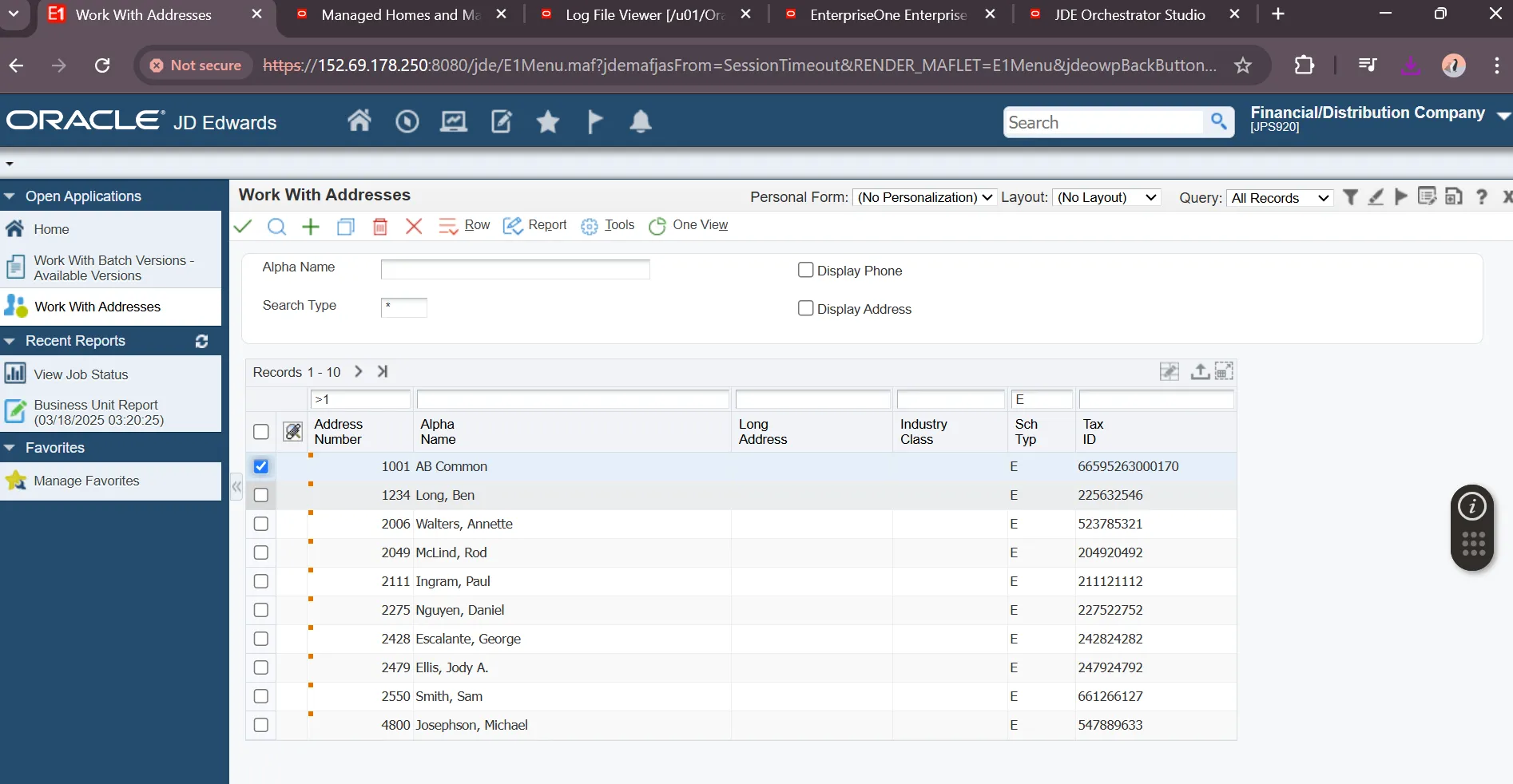
“Review Address Book Record”
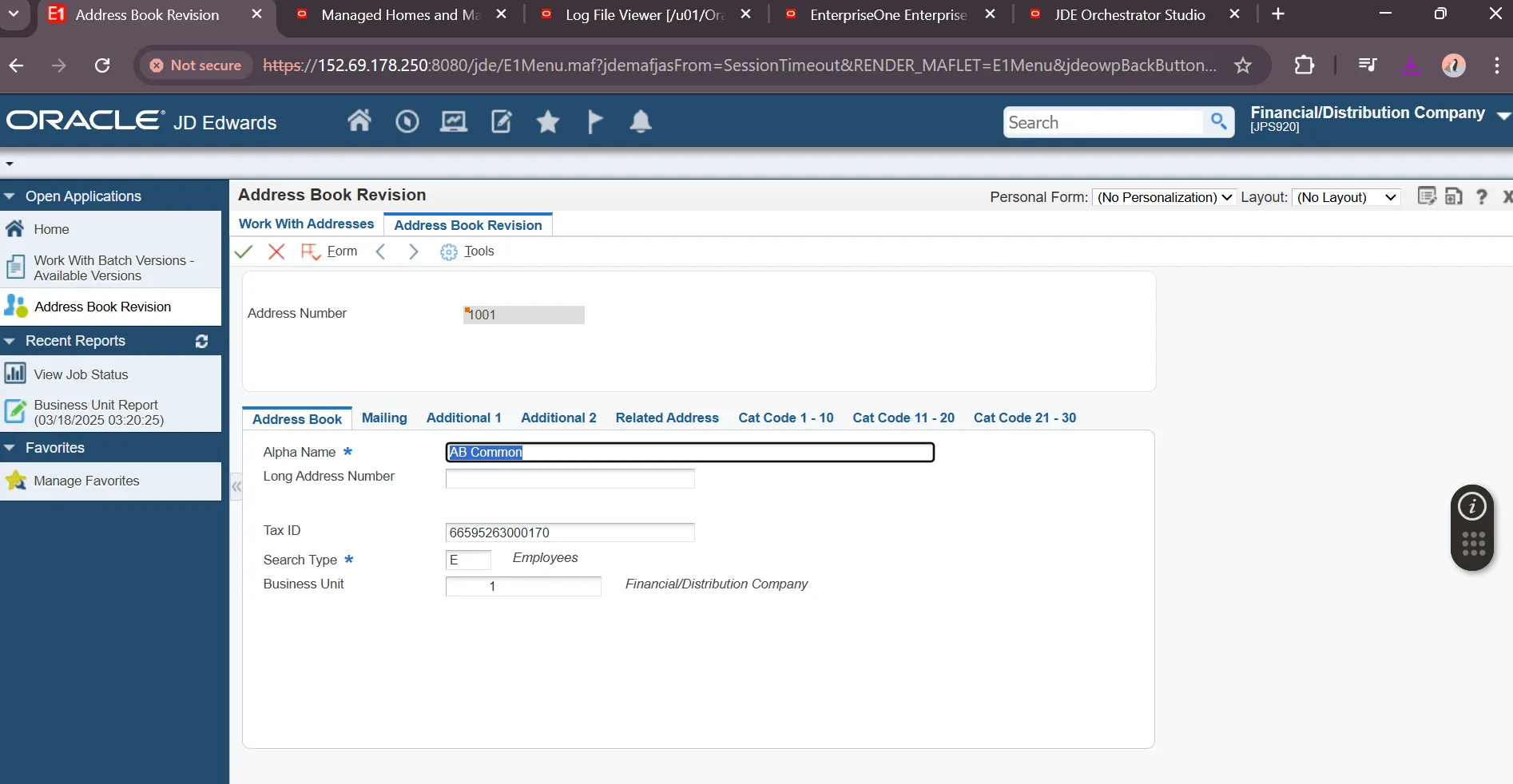
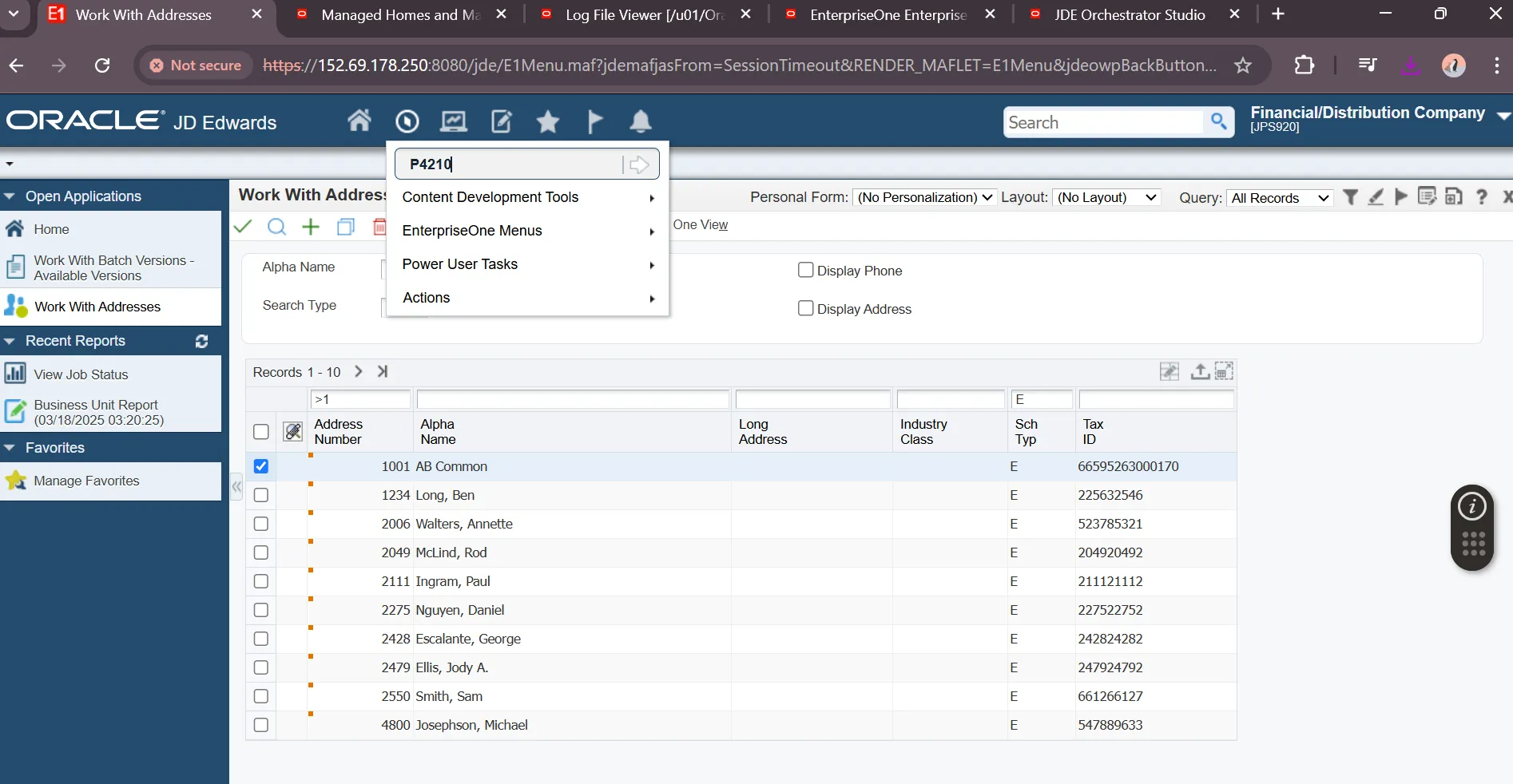
“Start Sales Order Entry Interactive Application from Fast Path”
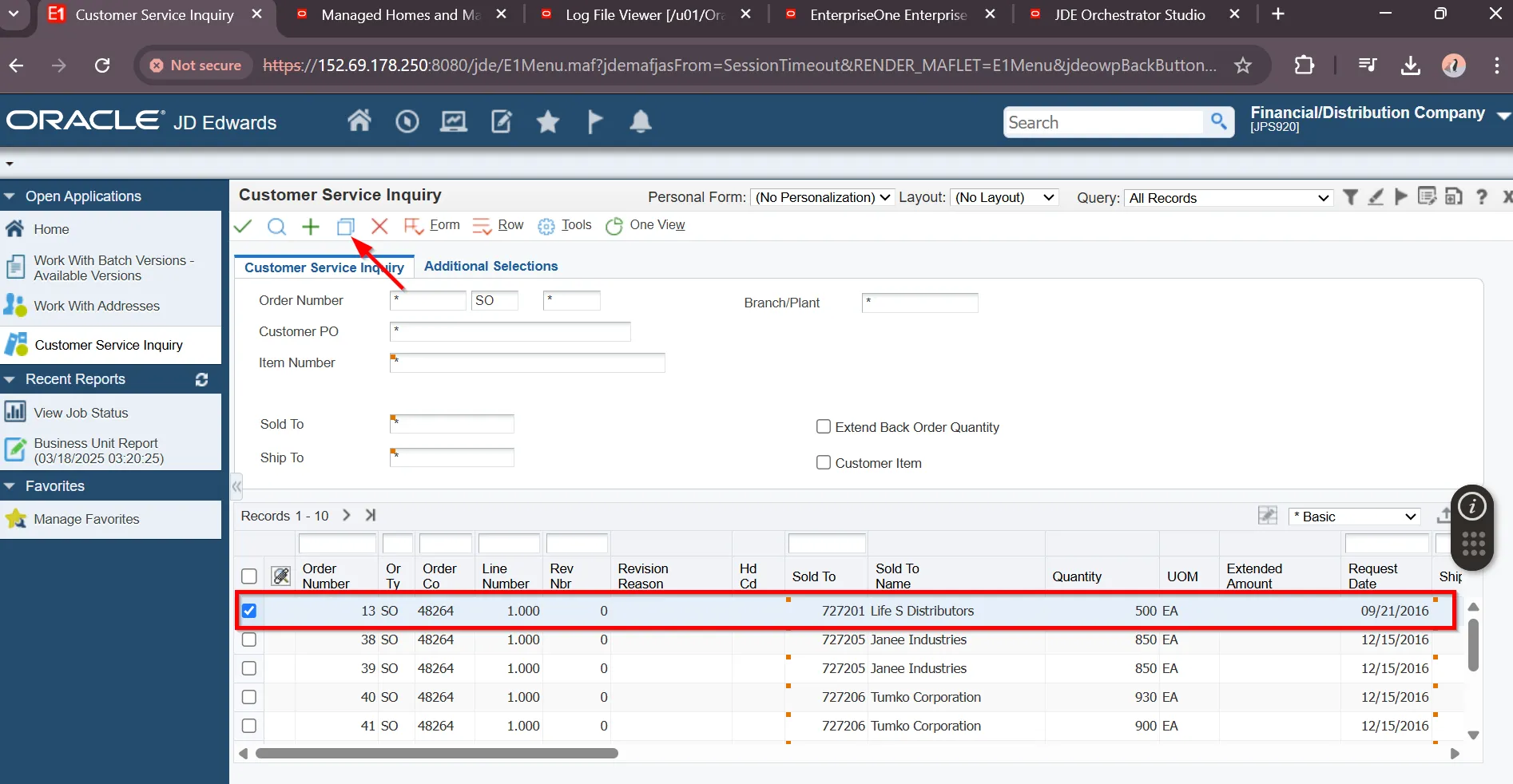
“Copy a Sales Order”
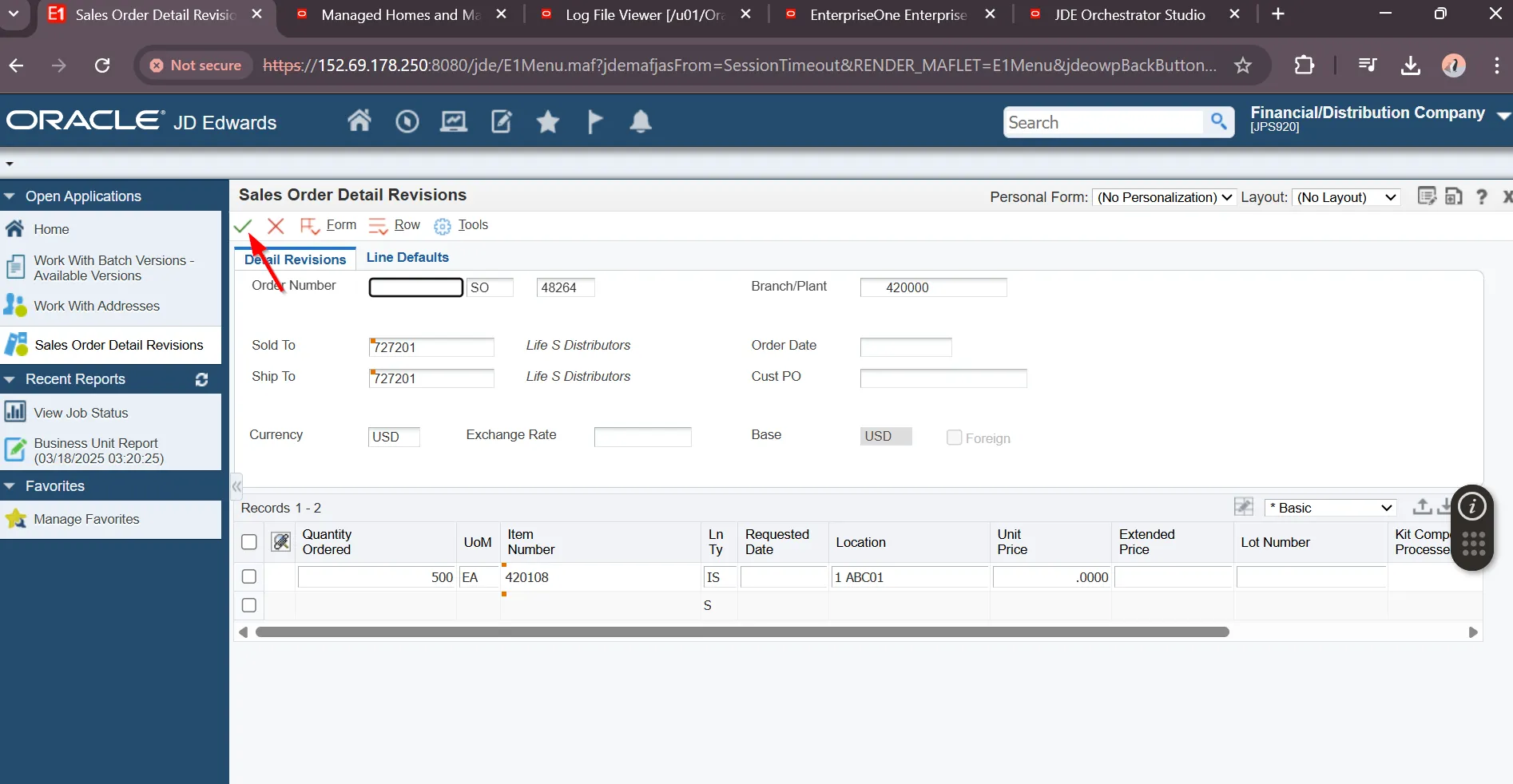
“Review Sales Order Details”
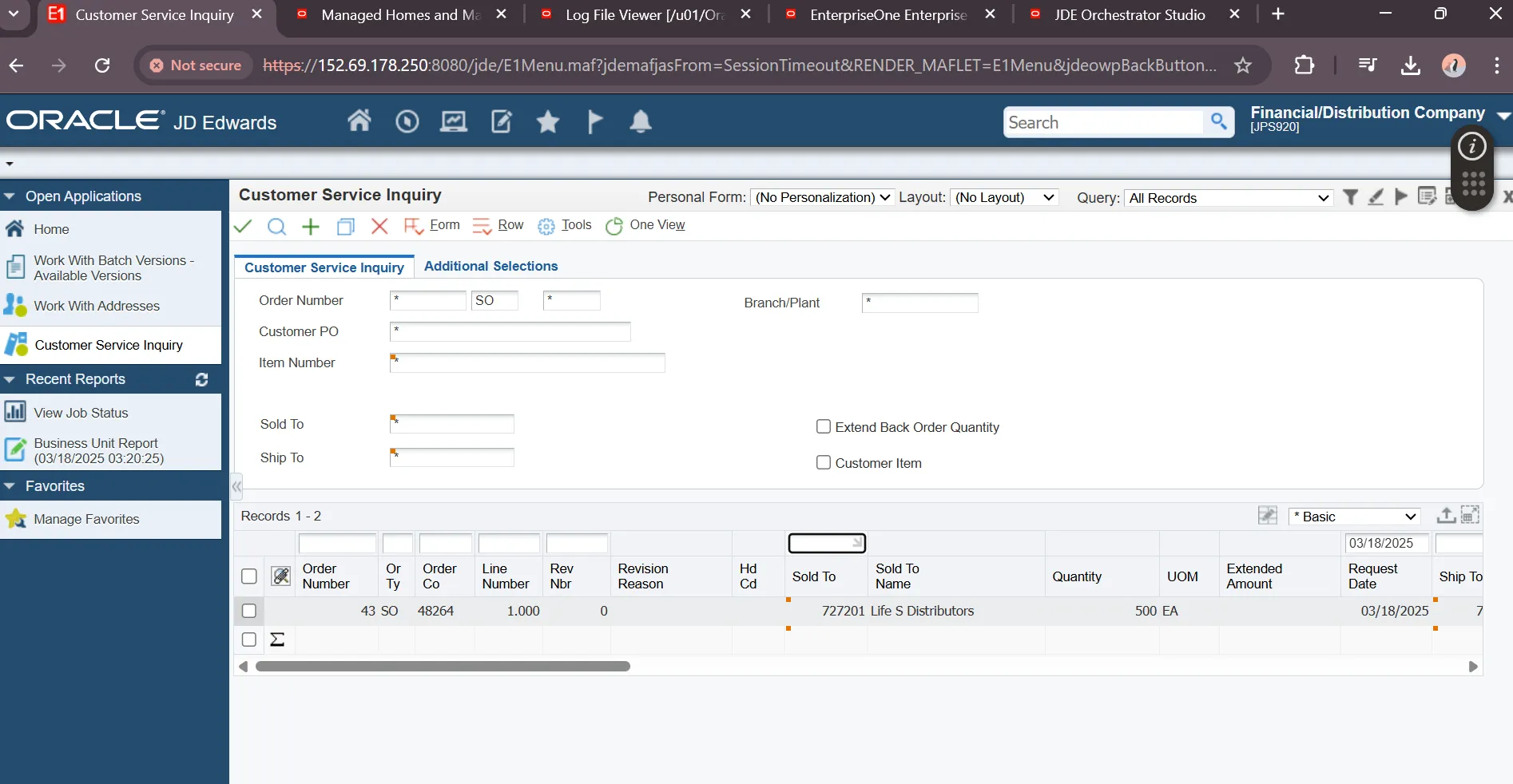
“Locate New Order”
JDE Server Manager Server
Section titled “JDE Server Manager Server”Navigate to appropriate URL to review JDE Server Manager
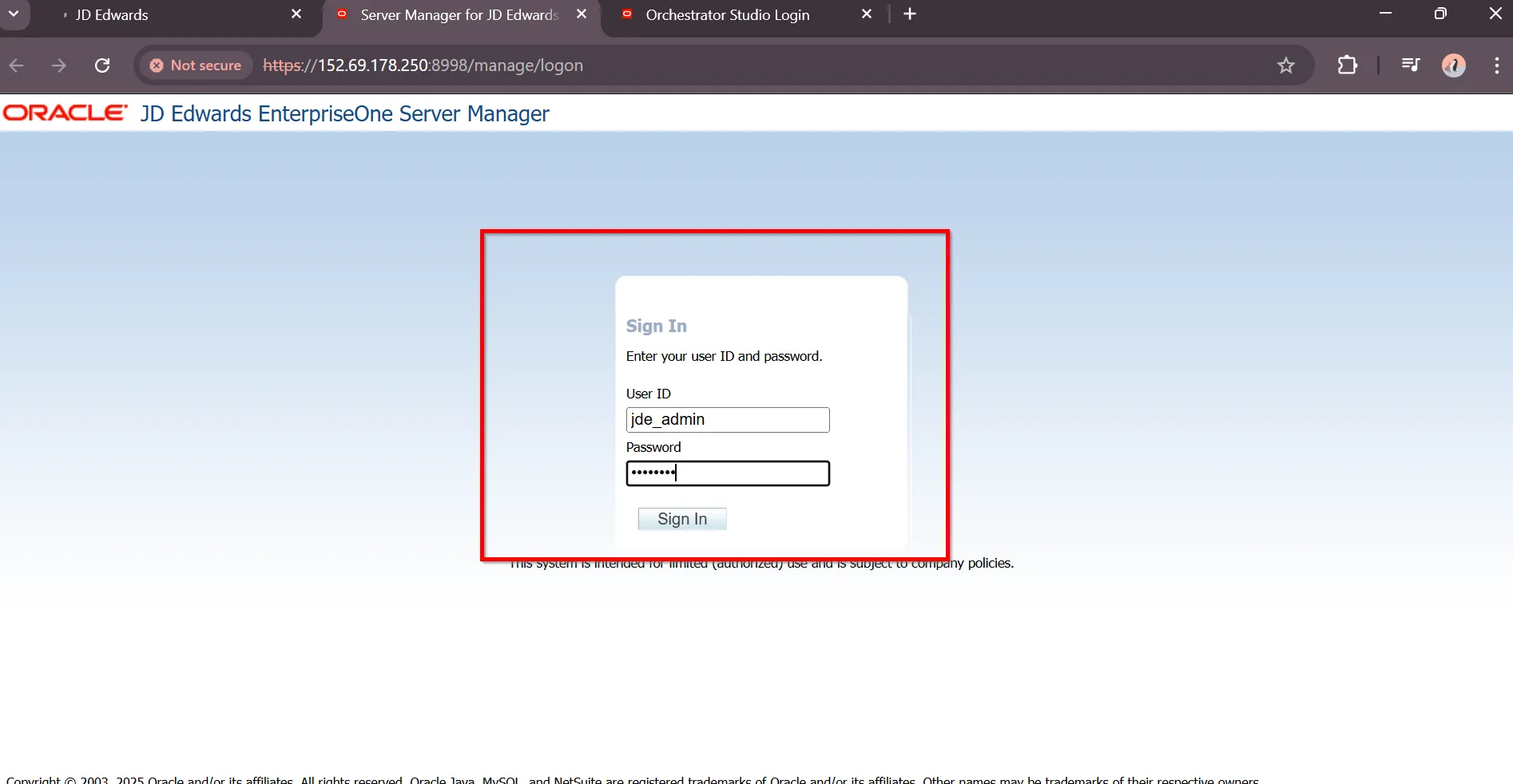
“Web Server” https://manage.jde2.jdedev.cloud/manage/logon
“Provide Server Manager credentials (jde_admin : default admin account)”
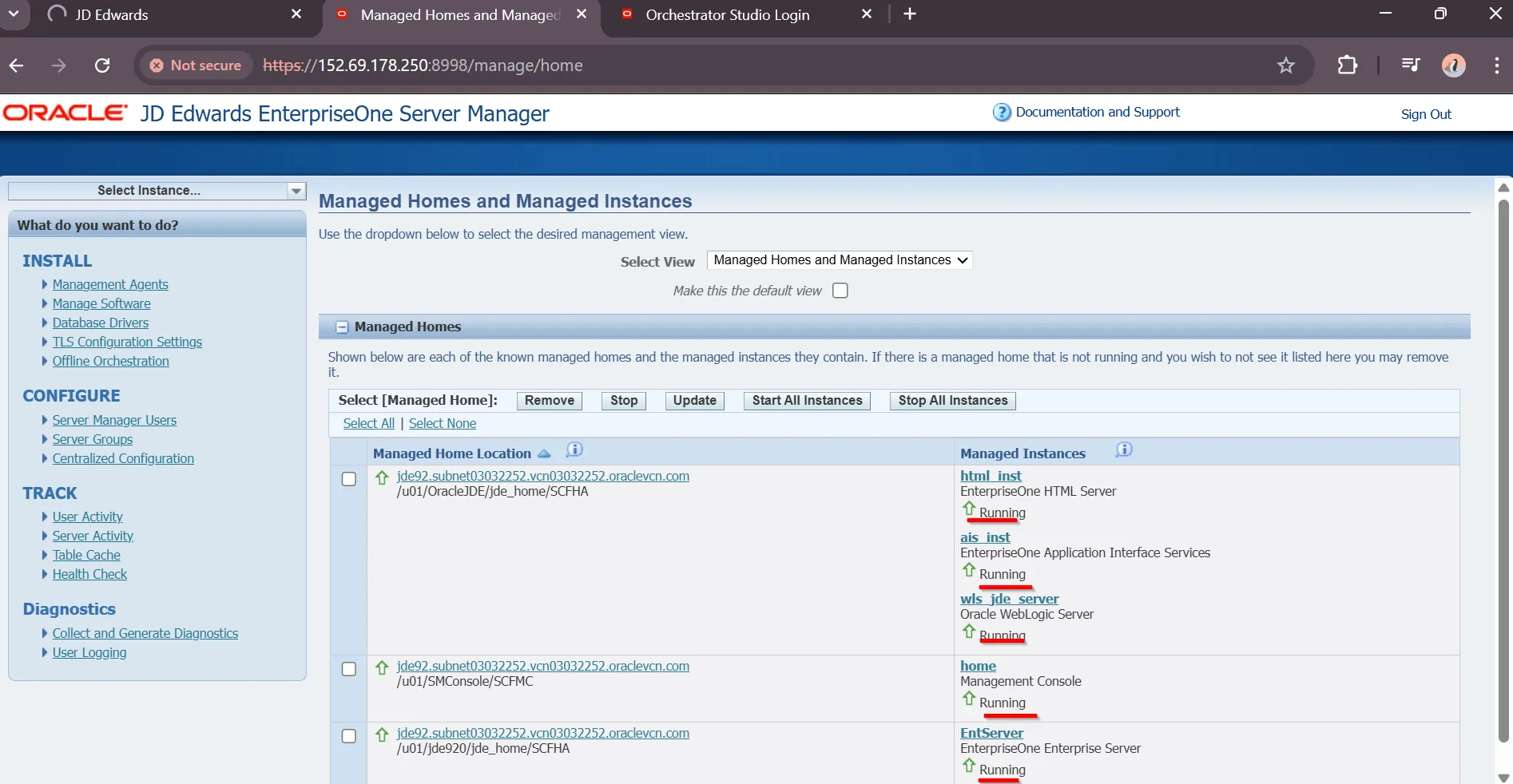
“All servers are running”
JDE Orchestration Studio
Section titled “JDE Orchestration Studio”Navigate to appropriate URL to review JDE Orchestration Studio
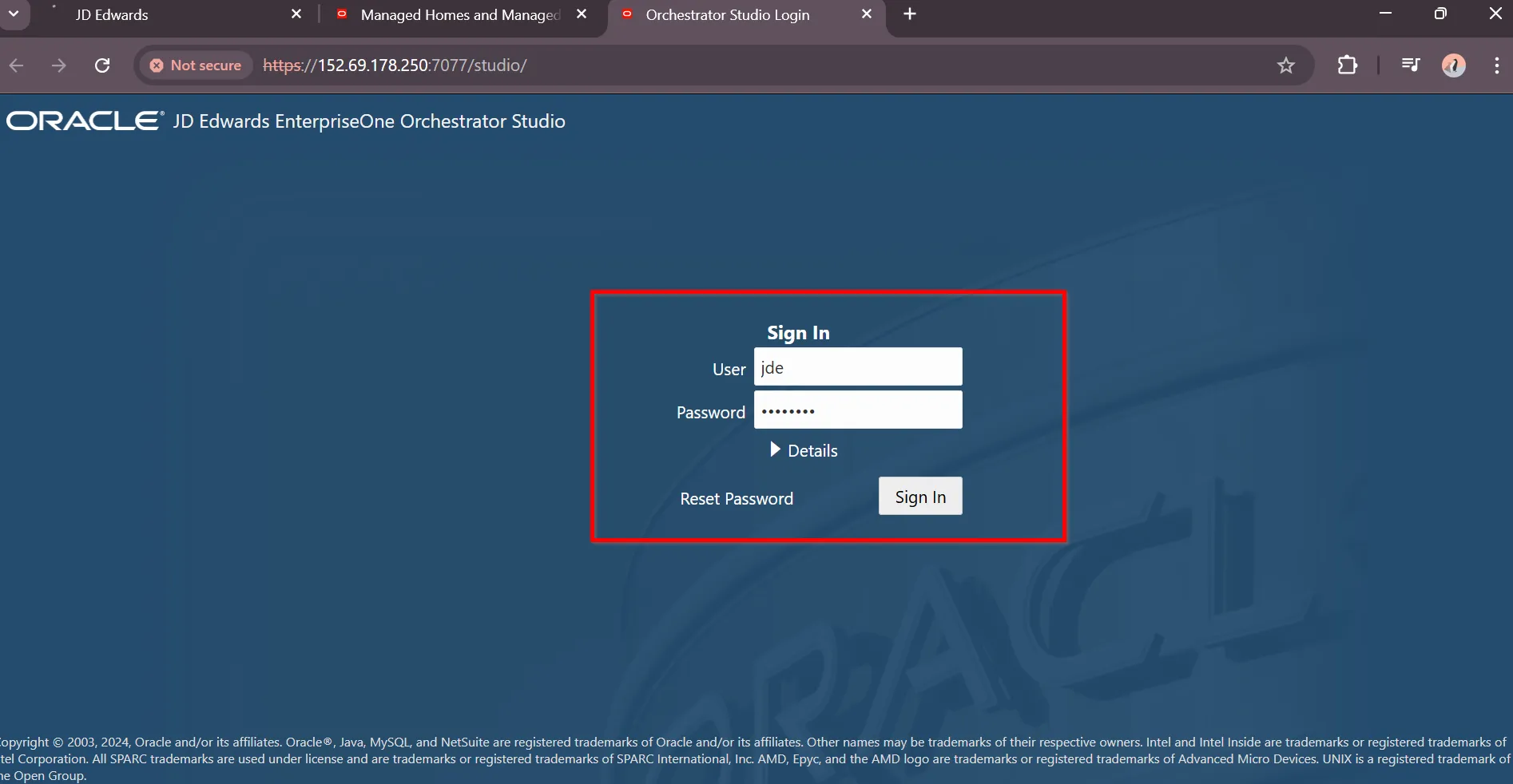
“Web Server” https://orch.jde2.jdedev.cloud/studio/
“Provide JDE Orchestrator credentials”
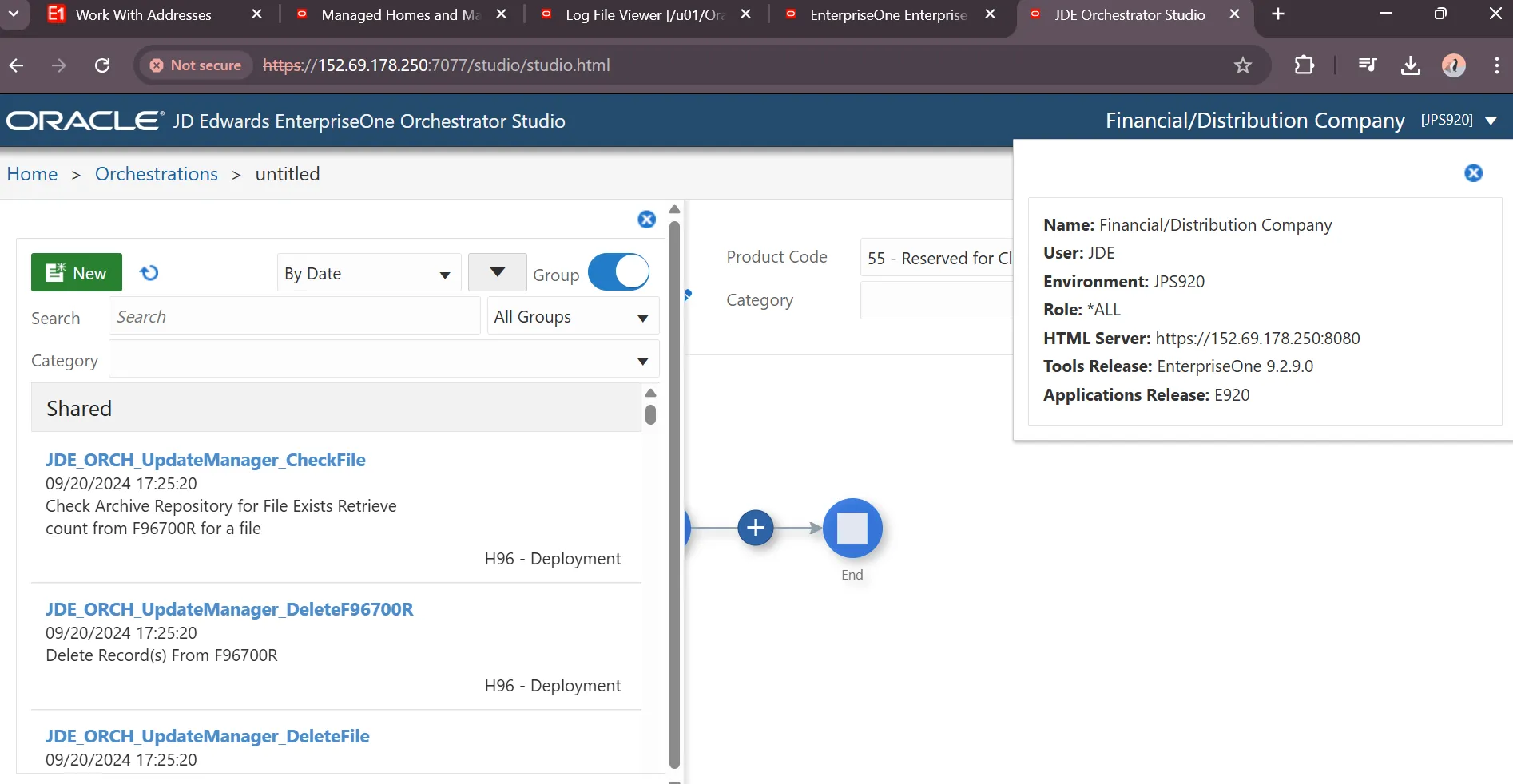
“JDE Orchestrator is Running”
Destroy JD Edwards EnterpriseOne Trial Edition
Section titled “Destroy JD Edwards EnterpriseOne Trial Edition”“Locate VM Instance”
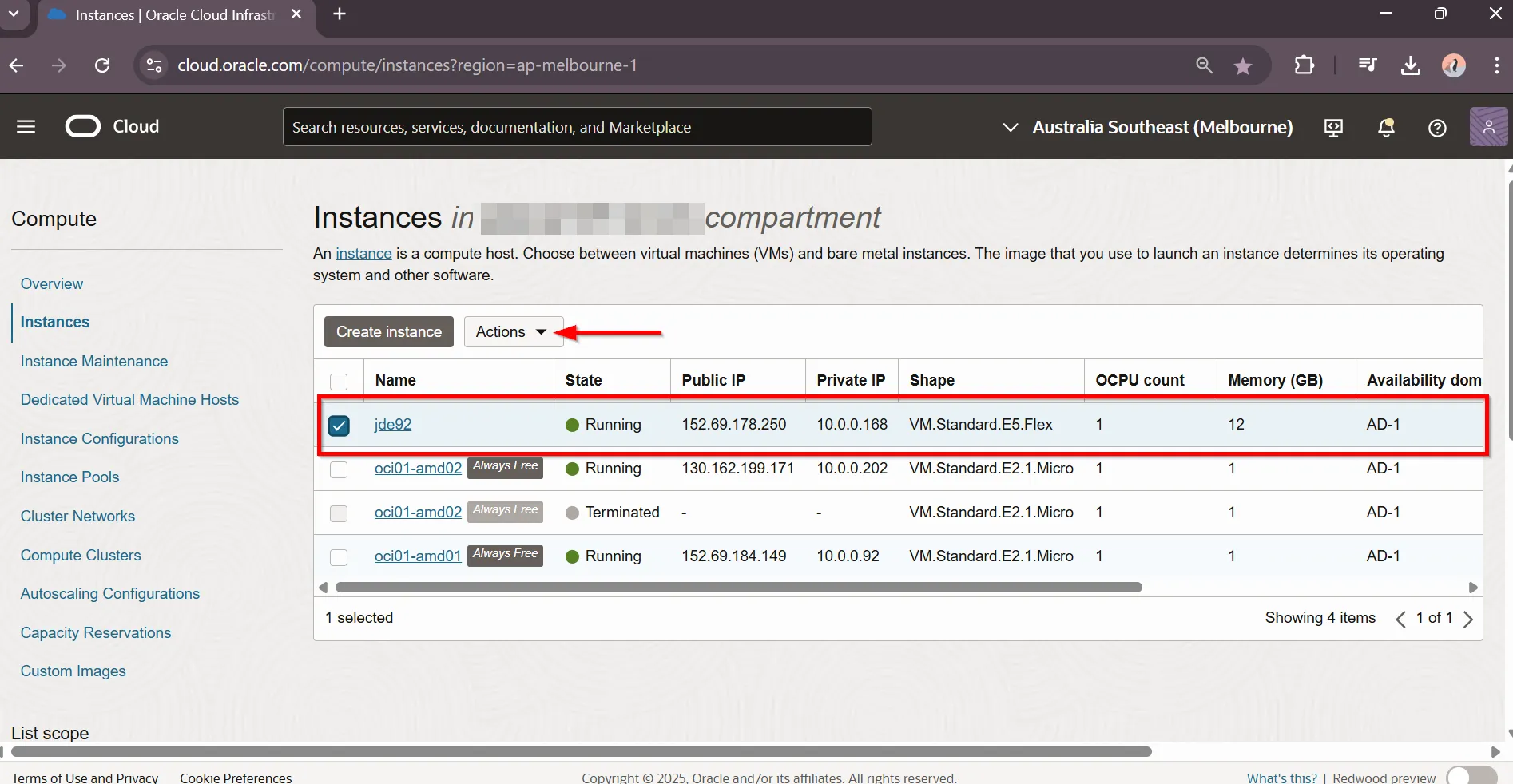
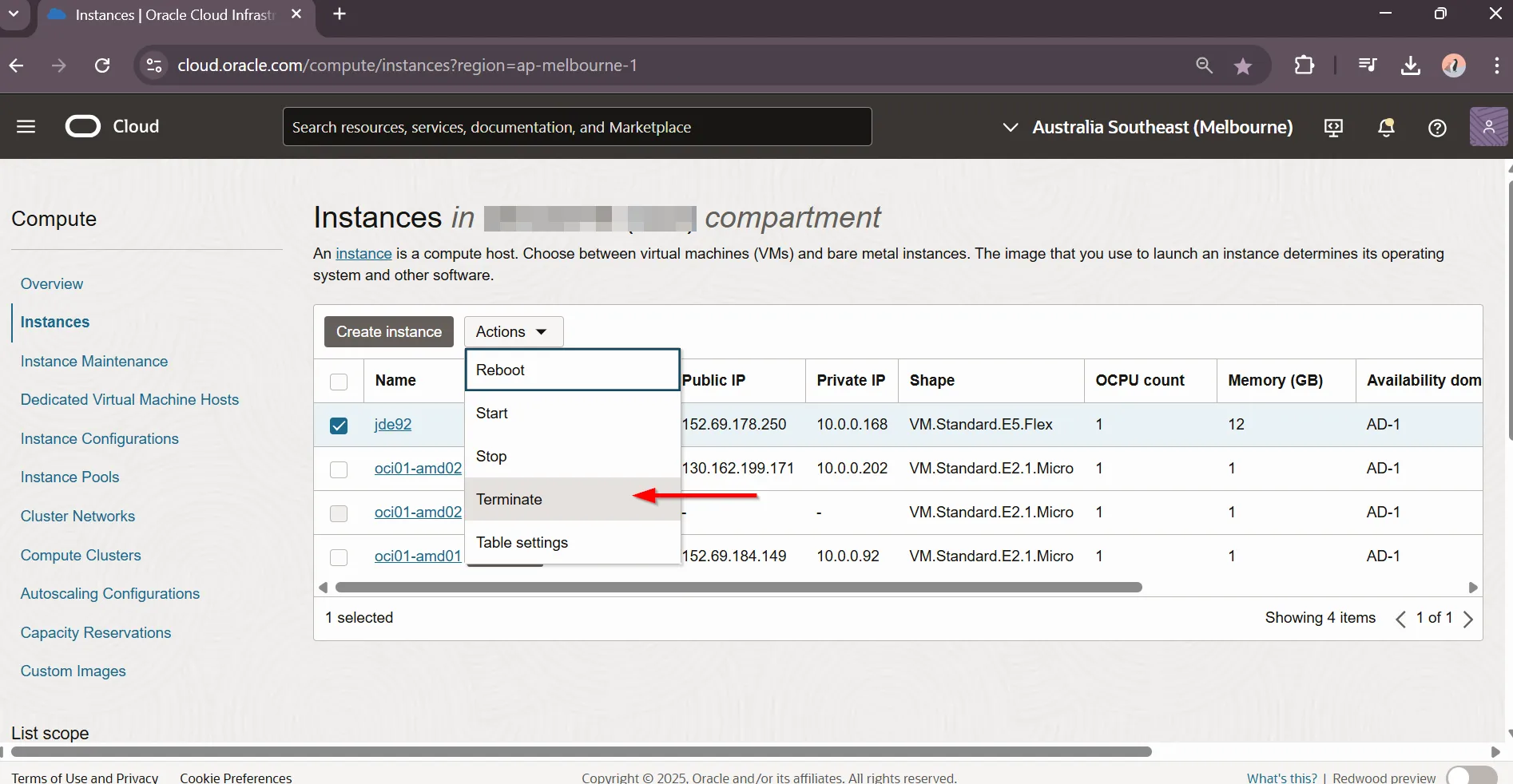
“Select Actions - Terminate”
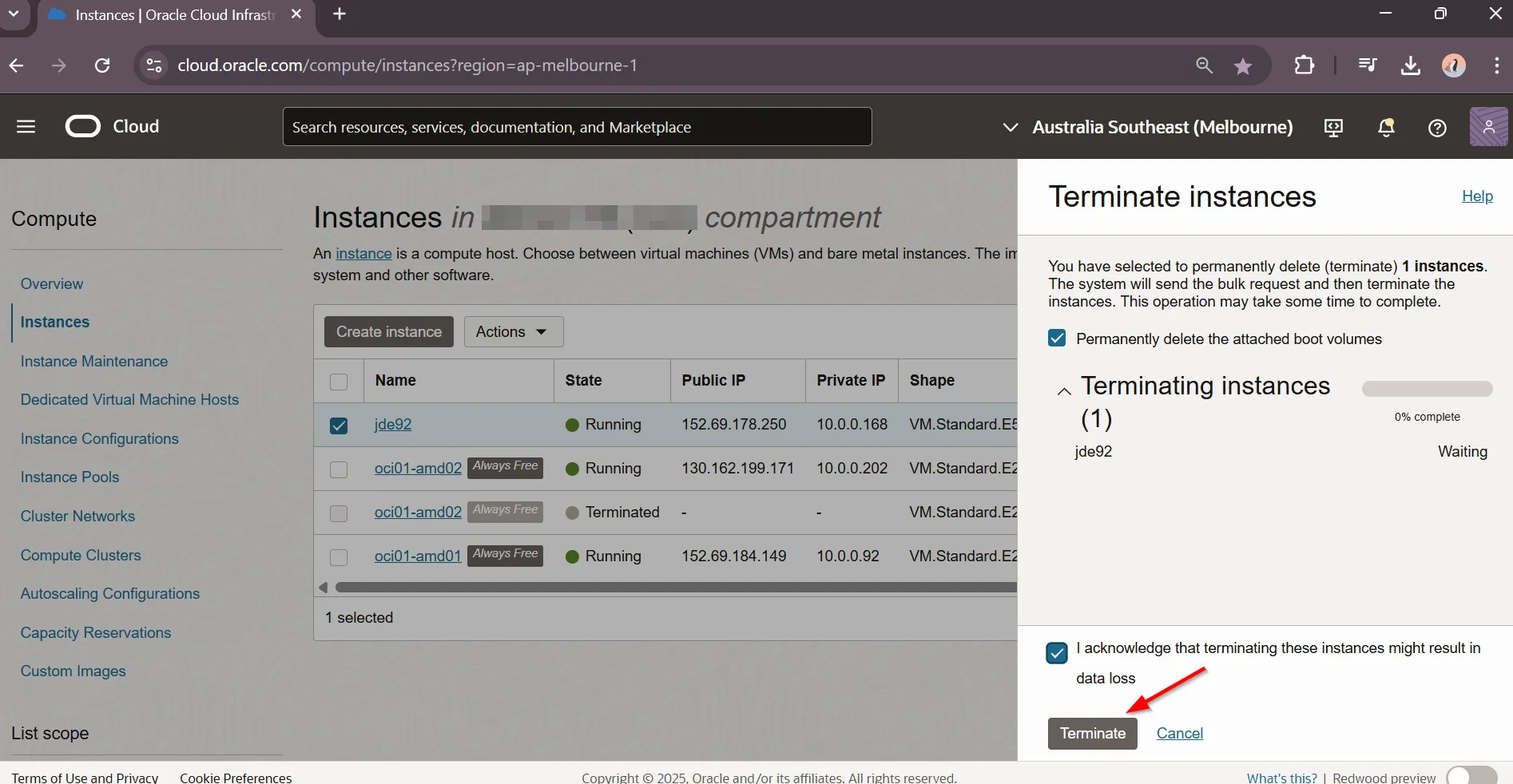
“Enable : Permanently delete the attached boot volumes and I acknowledge that terminating these instances might result in data loss. Select Terminate”
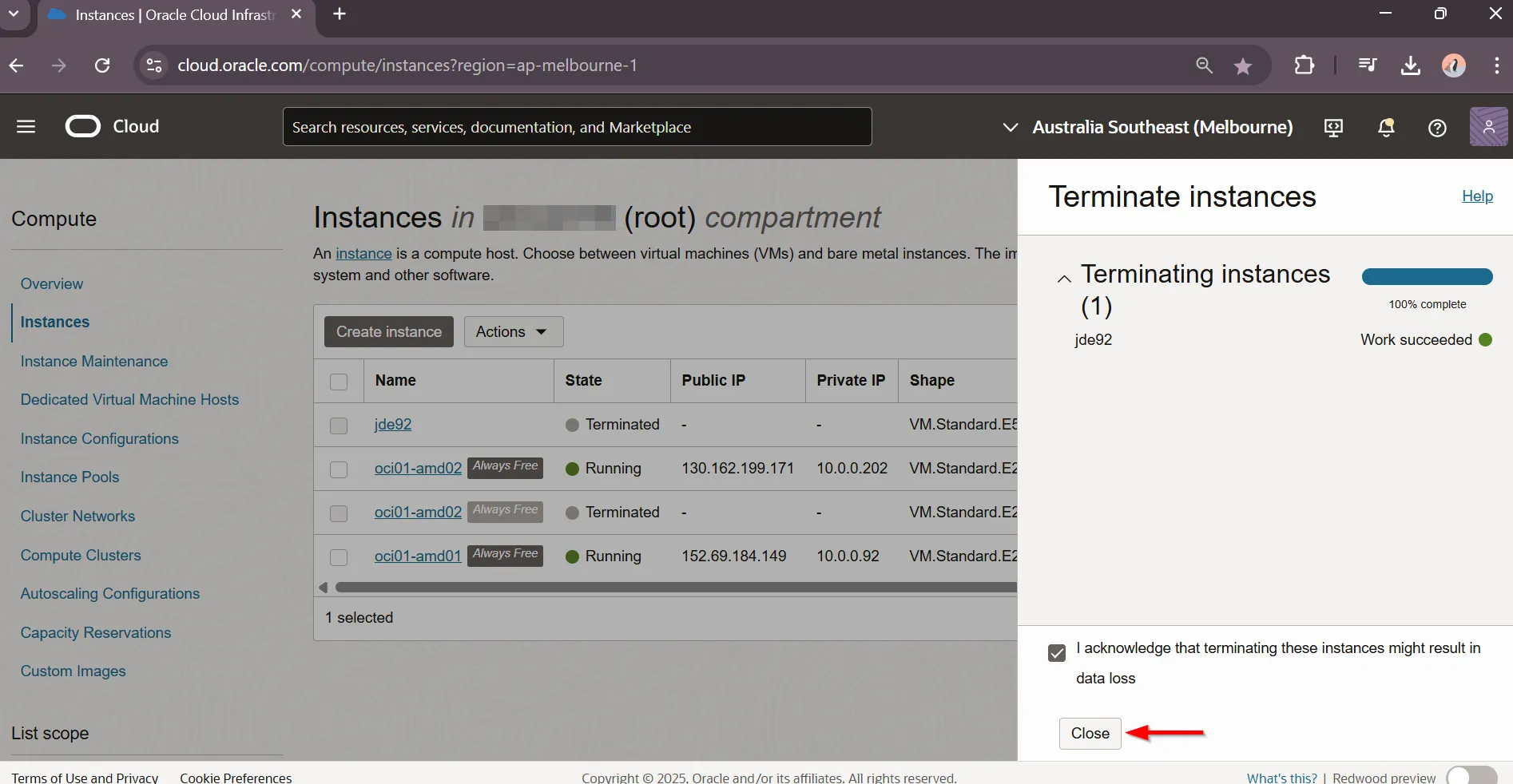
“VM Instance terminated, Select Close”
JD Edwards EnterpriseOne Trial Edition VM Costs
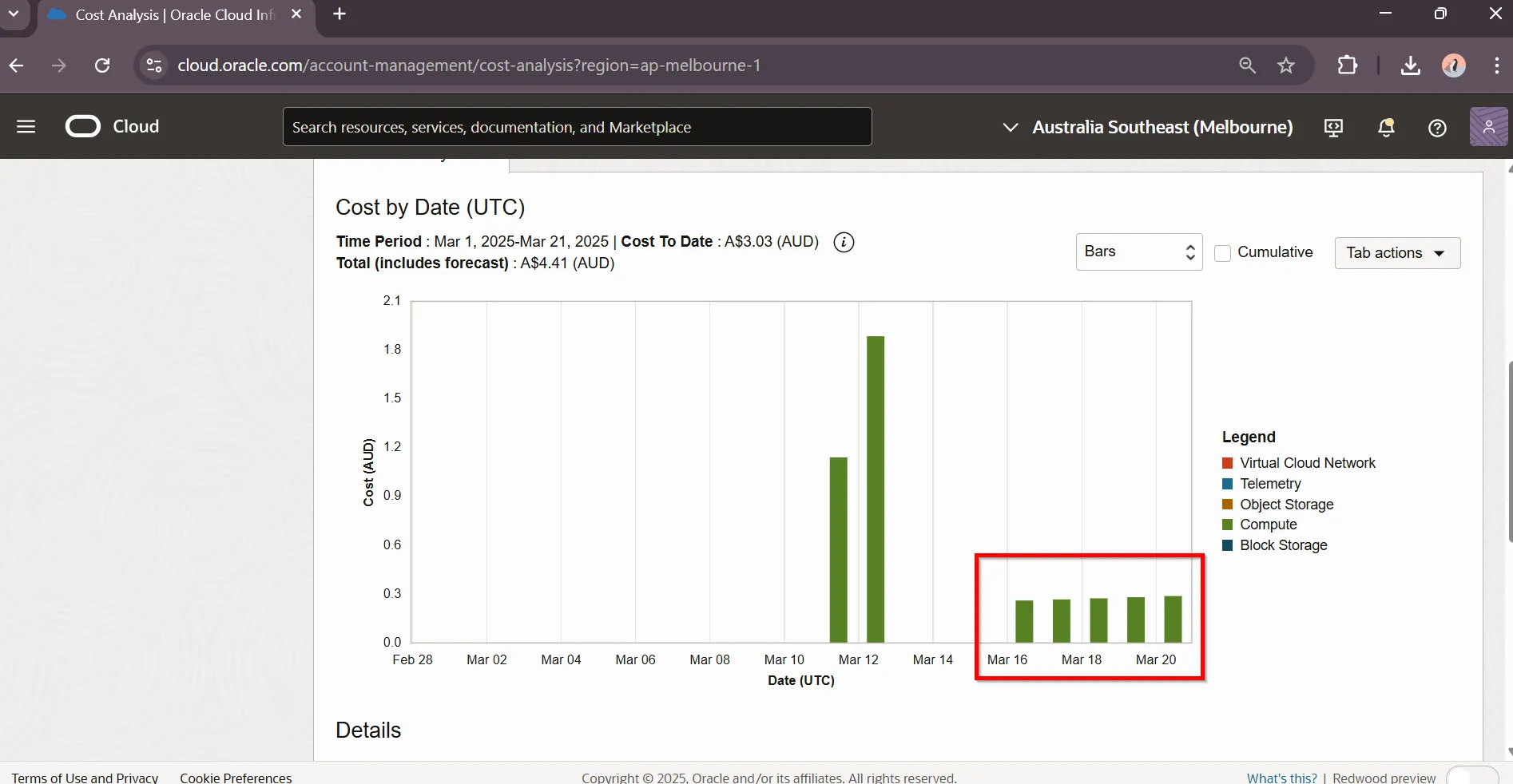
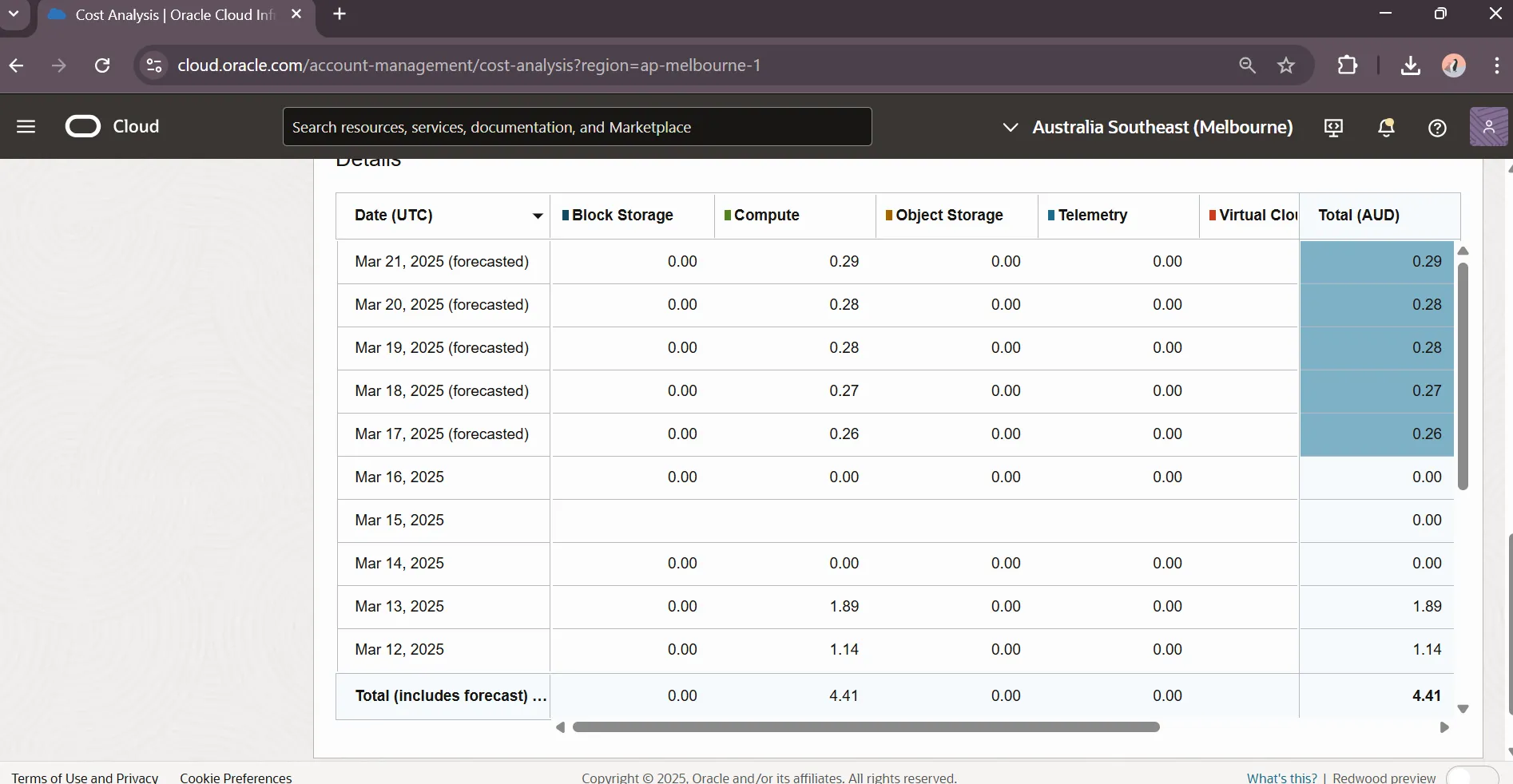
Section titled “JD Edwards EnterpriseOne Trial Edition VM Costs”“Navigate to Cost analysis and enable Forecast”
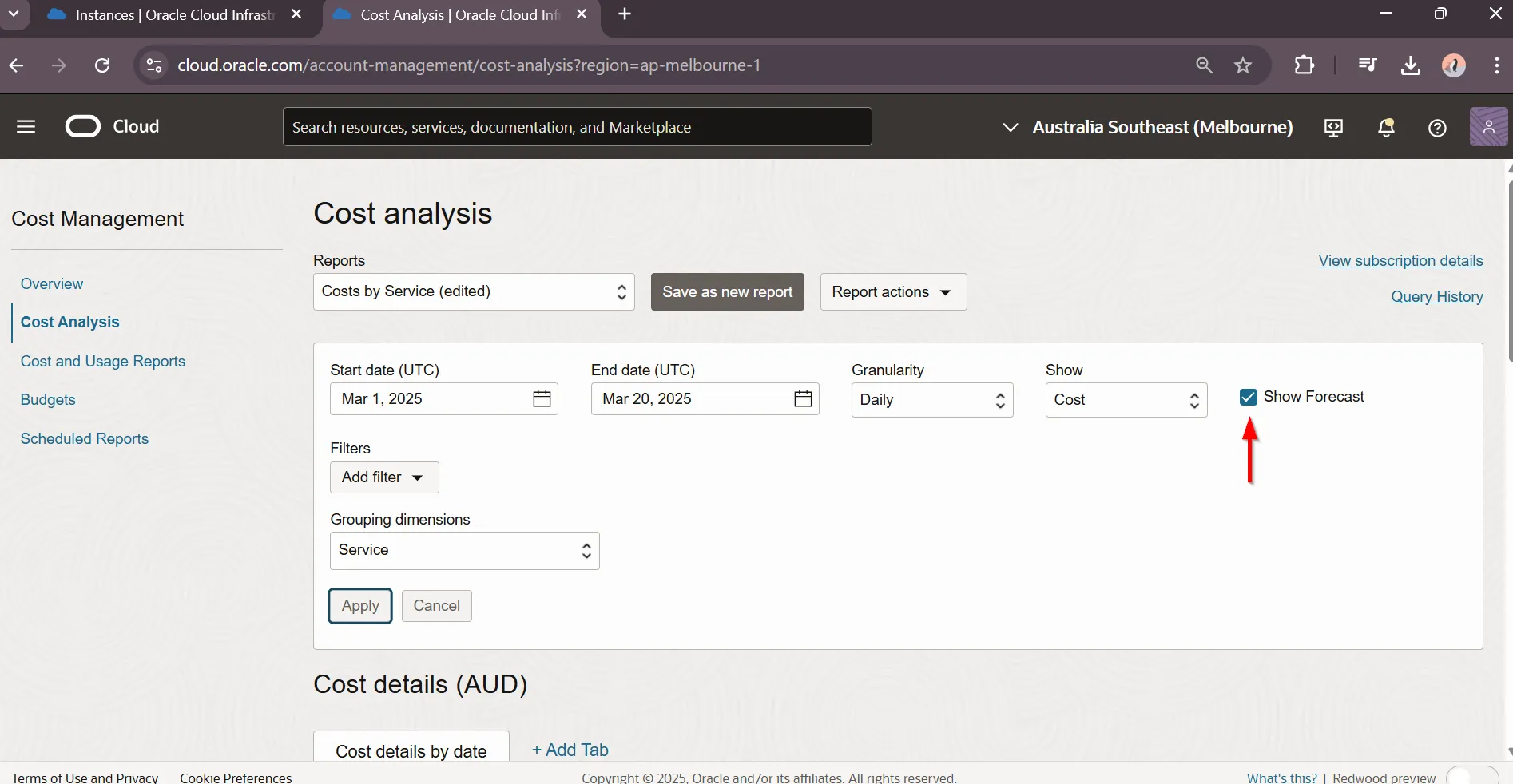
“Compute Cost Forecast is in red box. ~ $3 AUD / day”